Related Articles



Writing helpful website content is one of the most important parts of building a successful website. In my experience, a website can have a beautiful design, fast loading speed, and good SEO, but if the content does not actually help visitors, it becomes difficult to keep people interested.
When I write website content, I try to think about one simple question: Does this content genuinely help the person who is reading it? If the answer is yes, the content has a much better chance of attracting visitors, building trust, and performing well in search engines.
Helpful website content is not only about using keywords. It is about understanding your audience, answering their questions, providing useful information, and making everything easy to understand. Search engines are also becoming better at recognizing content that provides real value to users.
In this article, I will explain how to write helpful website content, what makes content valuable, and how you can create articles and pages that both readers and search engines appreciate.
Understand Your Target Audience
Before writing anything, you should know who you are writing for. This is one of the first things I consider whenever I start creating content.
Your audience may be beginners, professionals, students, business owners, shoppers, or people simply looking for an answer to a question. Each type of visitor has different needs.
For example, if you are writing about website SEO for beginners, using complicated technical language may confuse your readers. A better approach is to explain SEO concepts using simple words and practical examples.
Try to understand what your audience wants to know. Think about their problems, questions, goals, and concerns. Once you understand these things, writing helpful website content becomes much easier.
Start With Search Intent
Search intent means understanding why someone is searching for a particular keyword or topic.
For example, someone searching for “how to improve website speed” probably wants practical instructions. Someone searching for “what is SEO” may want a simple explanation. Someone searching for “best SEO tools” may be comparing different options.
The content should match the reason behind the search.
I always recommend looking at a keyword from the reader’s point of view. Ask yourself what information the person expects to find after typing that query into a search engine.
If your article answers the actual question behind the search, visitors are more likely to find it useful.
Choose a Clear Topic
Helpful content should have a clear purpose. Avoid trying to cover too many unrelated subjects in one article.
For example, if your main topic is “how to write helpful website content,” the article should focus on creating useful content for websites. You can discuss SEO, keywords, readability, research, examples, and user experience because these topics support the main subject.
A clear topic also helps search engines understand what your page is about.
Before writing, I usually define the main topic and a few supporting points. This keeps the article organized and prevents unnecessary information from making the content difficult to follow.
Research Before You Write
Good website content requires research. Even if you already know the topic, research can help you discover questions and details that you may have missed.
Look at reliable sources, search results, common questions, industry discussions, and existing information about the topic. Your goal should not be to copy what others have written. Instead, research should help you understand the subject better.
I believe personal knowledge becomes more valuable when it is supported by proper research. You can then explain the topic in your own words and add practical observations based on your understanding.
Good research also reduces the chances of publishing inaccurate information.
Focus on Providing Real Value
The most important rule for helpful website content is to provide real value.
Do not write an article simply because you want to target a keyword. Write because you have something useful to explain.
For example, instead of repeatedly mentioning the keyword “website content,” explain how to create better content. Give examples, explain common mistakes, and provide practical suggestions.
A useful article should leave the reader feeling that they learned something.
Whenever I finish an article, I like to ask myself whether a reader could actually use the information. If the answer is yes, I know the content has a useful purpose.
Use Keywords Naturally
Keywords are still important for SEO, but they should be used naturally.
The main keyword should appear in important areas such as the title, introduction, headings, and relevant parts of the article. However, there is no need to repeat the same keyword in every paragraph.
For this topic, phrases such as “helpful website content,” “how to write website content,” “SEO content,” “website content writing,” and “useful website content” can be included naturally.
Keyword stuffing can make an article sound unnatural and frustrating to read. My approach is to write for people first and optimize for search engines without damaging the reading experience.
Create Strong Headings
Headings make website content easier to read. Most visitors do not read every word immediately. They often scan the page to find the information they need.
Clear headings allow readers to understand the structure of your article quickly.
Instead of using vague headings, use descriptive ones. For example, “Understand Your Target Audience” is much more useful than simply writing “Audience.”
Your headings should also support the main topic and naturally include relevant keywords where appropriate.
Keep Your Writing Simple
Simple writing is not weak writing. In fact, simple language often makes information more powerful.
Avoid unnecessary complicated words when a common word can explain the same idea. Short and medium length sentences can also make articles easier to understand.
I try to write as if I am explaining something to another person. This makes the content feel more natural and less robotic.
For example, instead of writing a complicated explanation about improving readability, simply explain that readers should be able to understand the information without struggling through long and confusing sentences.
Add Practical Examples
Examples can make helpful website content much more useful.
If you are explaining a concept, show how it works in a real situation. If you are discussing SEO, provide a simple keyword example. If you are explaining content structure, show what a good heading might look like.
Readers often understand practical examples faster than abstract explanations.
Examples also make your writing feel more personal because they demonstrate how the information can actually be used.
Answer Common Questions
One of the easiest ways to make website content helpful is to answer the questions people commonly ask.
Think about questions related to your main topic. You can find ideas from search suggestions, frequently asked questions, customer conversations, forums, and your own experience.
For example, someone learning about website content may ask:
What makes website content helpful?
How long should website content be?
How do I use keywords naturally?
How can I make content easier to read?
How often should I update old content?
Answering these questions can make your article more complete and useful.
Make Content Easy to Scan
Website visitors usually prefer content that is easy to scan.
Use short paragraphs, descriptive headings, bullet points when appropriate, and clear formatting. Avoid placing a huge amount of text into one section.
A well structured article feels easier to read, especially on mobile devices.
This does not mean every paragraph needs to be extremely short. The goal is simply to create enough visual separation so that readers can move through the page comfortably.
Write Original Content
Originality is another important part of helpful website content.
Original content does not necessarily mean discussing a topic that nobody has ever discussed before. It means presenting information in your own words and adding your own useful perspective, examples, experiences, or explanations.
Do not copy paragraphs from other websites and change a few words. That approach does not create meaningful value.
Instead, understand the topic and explain it naturally from your own knowledge and research.
Update Old Website Content
Helpful content should remain useful over time.
Information can become outdated, especially in areas such as SEO, technology, software, online marketing, and business.
I recommend reviewing important articles periodically. Check whether statistics, examples, recommendations, screenshots, links, and other information are still relevant.
Updating an existing article can sometimes be more useful than constantly publishing new articles.
A website with accurate and updated information gives visitors more reason to trust it.
Improve Readability and User Experience
Content is only one part of the visitor experience. The page should also be comfortable to use.
Make sure the text is readable and that important information is easy to find. Use suitable font sizes, enough spacing, descriptive images, and clear navigation.
Avoid unnecessary popups and distracting elements that make it difficult for visitors to read.
If someone visits your website and immediately feels confused, even excellent content may not perform well.
Use Images That Support the Content
Relevant images can improve the presentation of website content. However, images should support the topic instead of simply filling empty space.
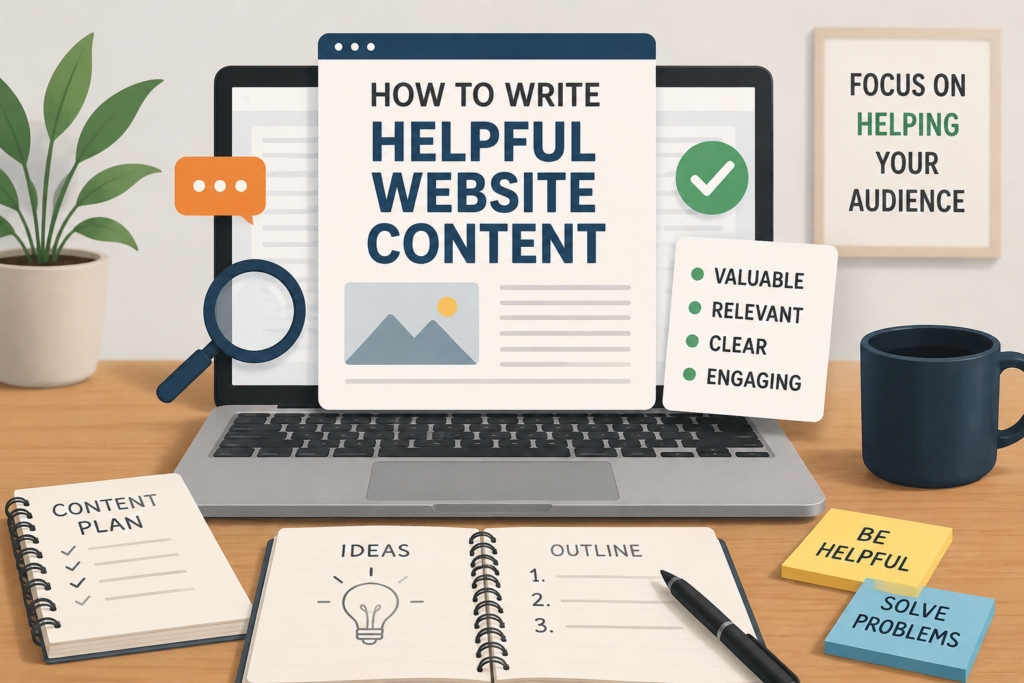
For example, an article about content writing could use an illustration showing a laptop, content planning, research, and writing.
Images can also help explain complicated concepts when they are used properly.
Always use appropriate image file names and alternative text where relevant. Also make sure images are optimized so they do not unnecessarily slow down the website.
Avoid Writing Just for Search Engines
One mistake I see often is creating content mainly for search engines instead of readers.
An article can contain keywords, headings, and SEO elements, but if it does not answer the visitor’s question, optimization will not make it truly helpful.
SEO should support good content rather than replace it.
My preferred approach is simple. First create something useful for the reader. Then improve the structure, keywords, title, headings, internal links, and other SEO elements.
This creates a much better balance between search optimization and user experience.
Add Internal Links
Internal links can help readers discover related information on your website.
For example, if you are writing about helpful website content, you might link to related articles about SEO, keyword research, website speed, mobile friendly design, and internal linking.
Internal links can help visitors continue learning without leaving your website.
They can also help search engines understand the relationship between different pages on your website.
Use descriptive anchor text and link only when the additional page is genuinely useful to the reader.
Build Trust With Your Content
People are more likely to trust websites that provide clear and useful information.
Be honest about what you know. Avoid making unrealistic promises. If you are discussing recommendations, explain why you recommend something instead of simply making a claim.
You can also strengthen content by using reliable information and explaining important points clearly.
A website should aim to become a useful resource rather than simply another page competing for search traffic.
Common Mistakes to Avoid
There are several mistakes that can reduce the quality of website content.
One common mistake is writing unnecessary paragraphs just to reach a specific word count. More words do not automatically mean better content.
Another mistake is repeating the same keyword too many times.
Using generic information without adding anything useful is another problem. Readers can find basic information almost anywhere, so your goal should be to explain the topic more clearly or provide a better experience.
I also recommend avoiding misleading titles. The title should accurately describe what readers will find on the page.
Final Thoughts
Learning how to write helpful website content is mainly about changing your approach to writing. Instead of asking only what keyword you want to rank for, ask what the visitor needs.
Understand your audience, research the topic, match search intent, use keywords naturally, organize the information clearly, and provide practical value.
In my opinion, the best website content feels like it was written by someone who genuinely understands the reader’s problem and wants to help solve it.
SEO can bring people to your website, but helpful content gives them a reason to stay, read, trust your website, and return again.
If you consistently focus on creating useful, original, readable, and relevant website content, you can build a stronger website for both your audience and long term SEO growth.