Related Articles
Being a student is not as easy as many people think. Every semester brings new assignments, class projects, exams, presentations, and personal responsibilities. I have personally noticed that the biggest challenge is not studying itself. The real challenge is managing everything at the right time. Missing deadlines, forgetting assignments, or spending too much time on one task can quickly create stress.
Over the years, I have tried different ways to stay organized. At first, I used notebooks, sticky notes, and reminders on my phone. They worked for a while, but as my workload increased, I realized I needed better solutions. That is when I started exploring task management tools.
A good task management tool does much more than create a to do list. It helps you plan your day, organize projects, set priorities, and keep track of deadlines. Whether you are in high school, college, or university, using the right tool can improve both your productivity and your peace of mind.
In this article, I will share some of the best task management tools for students that I believe are worth trying.
Why Students Need Task Management Tools
Student life is full of responsibilities. You may have lectures in the morning, assignments in the afternoon, group discussions in the evening, and exams coming up next week. Without proper planning, it becomes very easy to lose track of important work.
Task management tools help students organize everything in one place. Instead of trying to remember every deadline, you simply record your tasks and let the app remind you when something needs attention.
Another benefit is reducing stress. When all your work is clearly organized, your mind feels less overwhelmed because you already know what needs to be done next.
Features I Always Look For
Whenever I test a task management tool, there are a few features I consider important.
Easy interface
Nobody wants to spend hours learning how an app works. A simple and clean design makes daily use much easier.
Deadline reminders
Notifications help me avoid missing important assignments and exams.
Cross device support
I like using both my laptop and smartphone. A good task manager should automatically sync across all devices.
Collaboration
Sometimes group assignments require sharing tasks with classmates. This feature saves time and avoids confusion.
Customization
Everyone studies differently. I prefer tools that allow different views like lists, calendars, and boards.
Todoist
Todoist is one of my favorite task management tools because it is simple but powerful.
Creating tasks takes only a few seconds. You can organize work into different projects such as Mathematics, English, Science, or Personal Tasks. You can also assign due dates and priority levels.
One feature I really like is recurring tasks. If you want to study every evening or review notes every Friday, Todoist can automatically create those reminders.
The free version offers enough features for most students, while the premium version adds extra productivity options.
Trello
Trello is perfect for students who enjoy visual organization.
Instead of traditional lists, Trello uses boards and cards. Each board can represent a subject, while cards represent assignments or projects.
For example, I usually create three columns.
To Do
In Progress
Completed
Moving tasks from one column to another gives a satisfying feeling because you can actually see your progress.
Trello is also excellent for group projects since multiple students can work on the same board.
Notion
Notion has become incredibly popular among students for good reason.
It combines note taking, task management, calendars, databases, and project planning into one platform.
Many students create an entire study dashboard inside Notion where they keep class notes, assignment trackers, exam schedules, reading lists, and personal goals.
Although it takes some time to learn, once you understand the basics, it becomes one of the most flexible productivity tools available.
Microsoft To Do
If you already use Microsoft products, Microsoft To Do is a great option.
Its interface is clean and easy to understand. Creating tasks, setting reminders, and organizing lists takes only a few clicks.
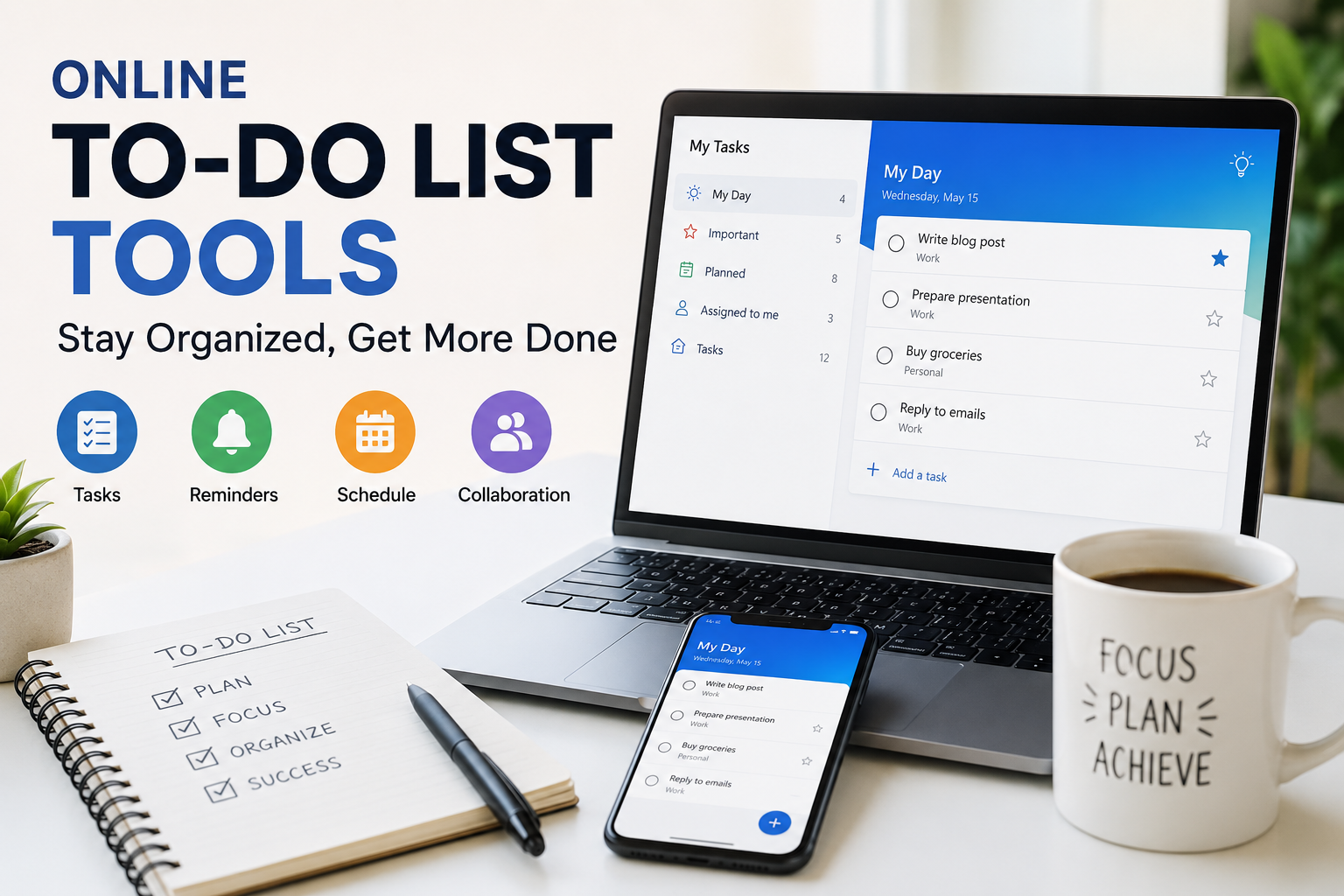
The My Day feature is especially useful because it encourages you to focus only on today’s tasks instead of worrying about everything at once.
The synchronization between Windows computers and mobile devices works smoothly.
Google Tasks
Sometimes simple is better.
Google Tasks is ideal for students who already use Gmail and Google Calendar.
Whenever I receive an assignment email, I can quickly convert it into a task without leaving Gmail.
Everything stays connected with my Google account, making organization much easier.
Although it lacks advanced features found in larger platforms, it performs basic task management very well.
ClickUp
ClickUp is another powerful productivity platform.
At first glance it may seem designed only for businesses, but students can also benefit from its features.
You can organize assignments, create study schedules, track project progress, and even write notes.
The platform offers multiple views including lists, calendars, boards, and timelines.
Students who manage many subjects at once will appreciate its flexibility.
Any.do
Any.do focuses on keeping task management simple and practical.
The interface is clean, reminders are reliable, and the calendar integration makes planning easy.
I especially like its daily planning feature, which encourages reviewing upcoming tasks every morning.
This small habit can significantly improve productivity.
TickTick
TickTick combines task management with habit tracking.
Besides recording assignments, students can also build positive study habits.
For example, you can create daily goals such as reading for one hour, practicing coding, reviewing vocabulary, or completing math exercises.
The built in Pomodoro timer is another useful feature because it helps maintain focus while studying.
Asana
Asana is often used by companies, but it also works well for university students involved in research projects or large group assignments.
Each project can be divided into smaller tasks with deadlines and assigned responsibilities.
Communication between team members becomes much more organized compared to endless messaging.
Students working on final year projects may find Asana particularly useful.
Apple Reminders
Students who use Apple devices should not overlook Apple Reminders.
It is already installed on iPhones, iPads, and Macs.
Creating reminders is incredibly fast, and Siri voice commands make adding tasks even easier.
For students who prefer a lightweight solution without downloading extra apps, Apple Reminders is an excellent choice.
How Task Management Improves Academic Performance
Using a task management tool does not automatically improve grades, but it creates better study habits.
When assignments are organized, you spend less time deciding what to do next.
Instead of feeling overwhelmed by multiple deadlines, you can break large projects into smaller tasks.
Completing one small task after another builds momentum and increases motivation.
I have personally noticed that I procrastinate much less when my daily tasks are clearly planned.
Tips for Using Task Management Tools Effectively
Simply installing an app is not enough.
The real value comes from using it consistently.
Start by entering all your assignments and deadlines.
Review your task list every morning before starting your day.
Update completed tasks immediately so your list remains accurate.
Break large assignments into smaller steps because smaller tasks feel easier to complete.
Set realistic deadlines instead of waiting until the last moment.
Avoid adding too many unnecessary tasks because an overloaded list can become discouraging.
Choosing the Right Tool
Every student has different preferences.
If you want maximum simplicity, Google Tasks or Microsoft To Do are excellent choices.
If you prefer visual planning, Trello is hard to beat.
If you need an all in one productivity workspace, Notion offers incredible flexibility.
If you enjoy detailed planning with advanced features, ClickUp is worth exploring.
Students focused on building productive habits may find TickTick especially useful.
The best approach is to test a few options and choose the one that naturally fits your study routine.
Common Mistakes Students Should Avoid
Many students create long task lists but never update them.
Others add every small activity, making the list difficult to manage.
Some ignore reminders or postpone tasks repeatedly until deadlines become stressful.
The goal of task management is not to create more work. It is to make your work easier.
Keeping your task list clean, realistic, and updated makes a huge difference.
Final Thoughts
From my experience, using a task management tool is one of the smartest decisions any student can make. Staying organized does not require expensive software or complicated systems. Even a simple app can completely change the way you manage your studies.
The best task management tool is the one that you actually use every day. Whether you choose Todoist, Notion, Trello, Microsoft To Do, ClickUp, TickTick, Google Tasks, Asana, Any.do, or Apple Reminders, consistency is what brings results.
Student life will always be busy, but with proper planning, it becomes much easier to stay on top of assignments, prepare for exams, and balance academic responsibilities with personal life. Start with one tool, build the habit of planning your day, and you will soon notice better productivity, less stress, and more confidence in managing your academic journey.