Related Articles
Freelancing gives me the freedom to work from anywhere, choose my own clients, and create a schedule that fits my lifestyle. At the same time, I have realized that freedom also comes with responsibility. There is no manager reminding me about deadlines or checking whether I have completed my tasks. Everything depends on how well I manage my time. That is why I believe time management is one of the most valuable skills every freelancer should develop.
When I first started freelancing, I thought working longer hours meant I was being productive. I quickly learned that spending ten hours in front of a laptop does not always mean getting ten hours of quality work done. The real difference comes from planning, staying organized, and using the right time management tools.
Over the years, I have tested many productivity apps and scheduling platforms. Some were too complicated, while others became an important part of my daily workflow. In this article, I will share the best time management tools for freelancers that can help improve productivity, reduce stress, and make work more organized.
Why Time Management Matters for Freelancers
Unlike office employees, freelancers often handle multiple responsibilities at once. Besides completing client work, they also need to respond to emails, manage invoices, find new clients, attend meetings, and sometimes even handle marketing.
Without proper time management, it becomes easy to miss deadlines or feel overwhelmed. Good time management helps me complete projects faster while maintaining high quality. It also gives me more free time to relax and focus on personal growth.
The right tools make this process much easier because they organize tasks, track working hours, and remind me about important deadlines.
Trello
Trello is one of the simplest project management tools I have ever used. Its visual board system makes organizing work incredibly easy.
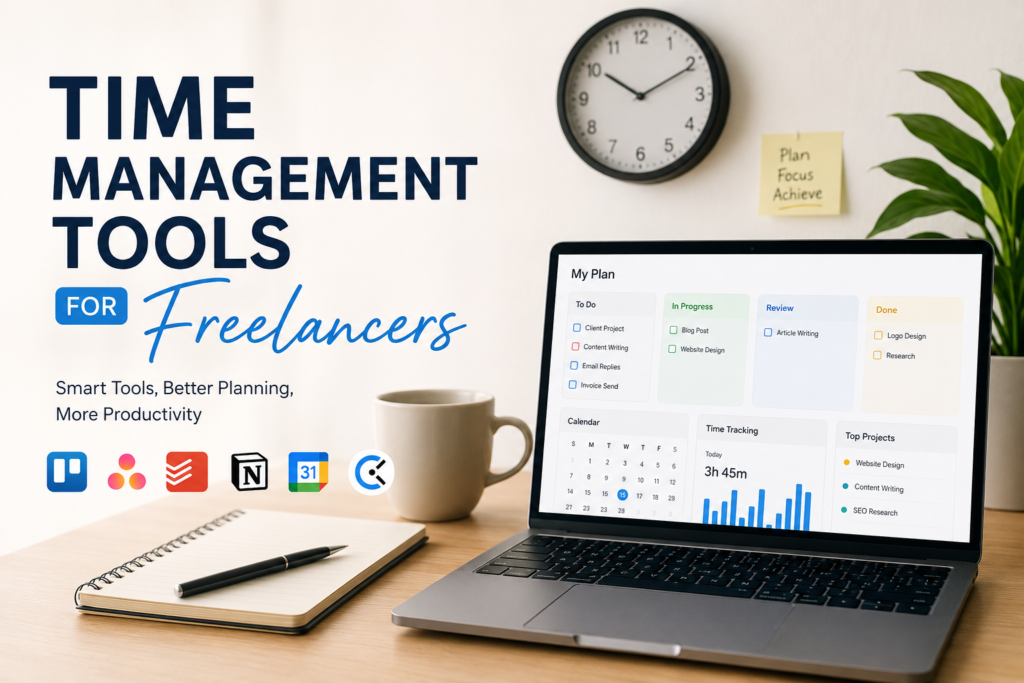
I create separate boards for different clients and move tasks between columns like To Do, In Progress, Review, and Completed. This simple workflow helps me know exactly where every project stands.
One thing I really like is that I can attach files, write notes, set due dates, and create checklists inside each task.
For freelancers handling multiple projects, Trello provides a clear overview without making things complicated.
Asana
Asana is another excellent project management platform. It offers more advanced features compared to Trello while remaining easy to understand.
Whenever I have large projects with multiple steps, Asana helps me break everything into smaller tasks.
I can assign deadlines, create recurring tasks, monitor project progress, and receive reminders before deadlines arrive.
Asana is especially useful when working with teams or virtual assistants because everyone stays updated about project progress.
ClickUp
ClickUp has become one of the fastest growing productivity tools for freelancers.
I like ClickUp because it combines task management, documents, reminders, calendars, goal tracking, and time tracking in one platform.
Instead of using several different apps, I can manage almost everything from a single dashboard.
The customization options are impressive because I can organize projects according to my own workflow instead of following a fixed structure.
Although it takes some time to learn, the effort is definitely worth it.
Google Calendar
Sometimes simple tools are the most powerful ones.
Google Calendar is something I use every single day.
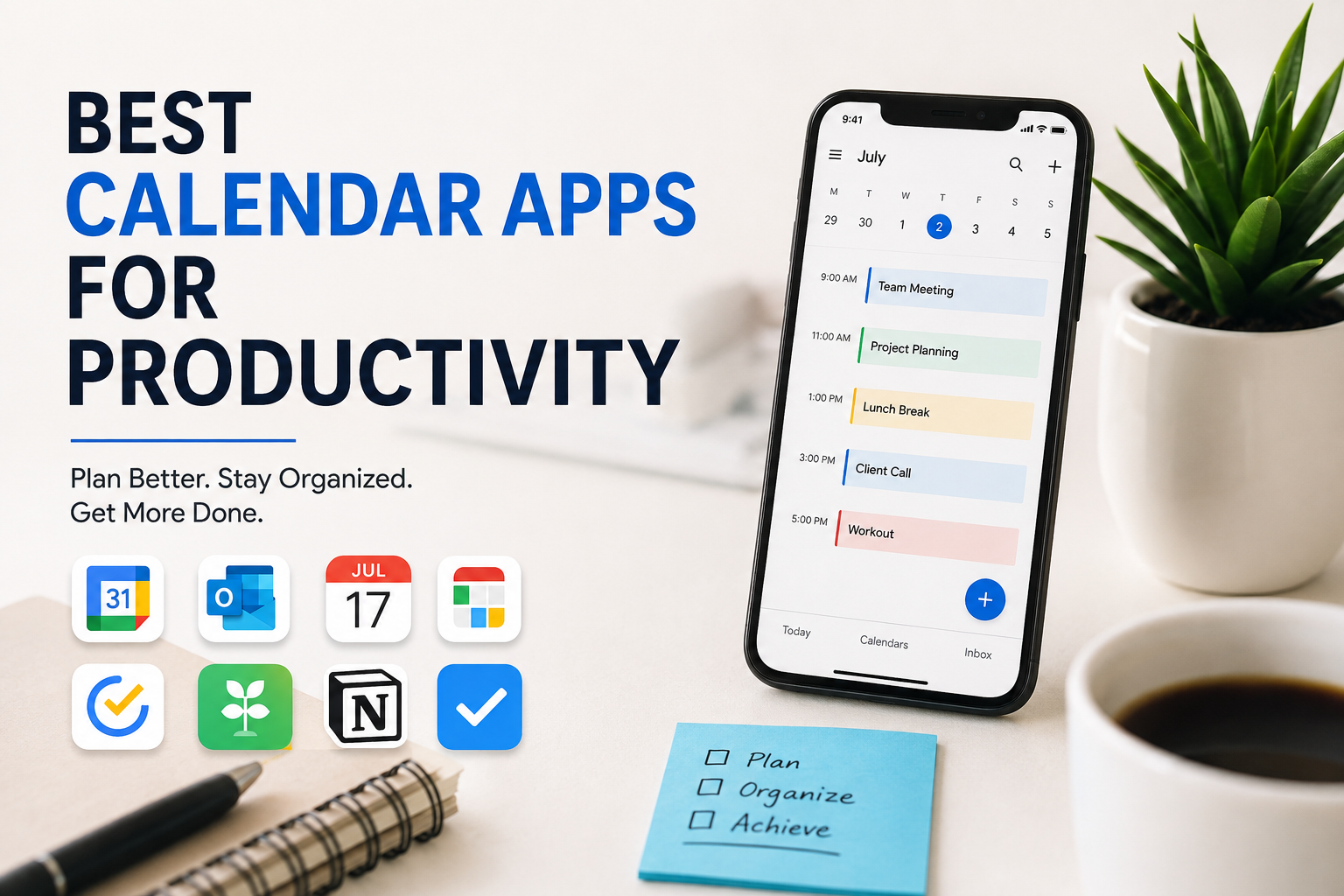
I schedule client meetings, writing sessions, content planning, breaks, and personal appointments inside my calendar.
Color coding different activities makes my daily schedule much easier to understand.
Whenever someone books a meeting, it automatically appears on my phone and laptop.
The reminder notifications ensure I never forget important deadlines or appointments.
Todoist
Todoist is perfect for managing daily tasks.
Every morning, I create a task list based on my priorities.
Instead of keeping everything in my mind, I write every task inside Todoist.
As I complete each task, checking it off gives me a satisfying feeling that keeps me motivated.
Todoist also supports recurring tasks, priority levels, project organization, and deadline reminders.
Its clean interface makes daily planning extremely easy.
Clockify
One mistake many freelancers make is not tracking their working hours.
Clockify solves this problem.
Whenever I begin working on a client project, I simply start the timer.
At the end of the day, I know exactly how many hours I spent on every project.
This helps me understand whether I am charging clients fairly and also reveals where most of my time is going.
Clockify is especially useful for freelancers who charge hourly rates.
Toggl Track
Toggl Track is another fantastic time tracking tool.
Its simple design makes tracking work effortless.
I enjoy using Toggl because it creates detailed reports showing how my time is distributed throughout the week.
After reviewing those reports, I often discover activities that waste valuable hours.
Making small improvements based on these insights has significantly increased my productivity.
Notion
Notion is much more than a note taking app.
I use it as my digital workspace.
Inside Notion, I keep project notes, content ideas, client information, writing templates, business goals, and weekly plans.
Everything stays organized in one place.
The flexibility of Notion allows me to create a system that perfectly matches my workflow.
Many freelancers even run their entire business using only Notion.
RescueTime
Sometimes we believe we are working hard, but distractions quietly consume several hours every day.
RescueTime automatically tracks computer activity and shows where time is actually spent.
When I first used it, I was surprised to discover how much time disappeared while browsing websites or checking social media.
Seeing real data encouraged me to develop healthier working habits.
Calendly
Scheduling meetings with clients can become frustrating when emails go back and forth trying to find a suitable time.
Calendly eliminates this problem.
I simply send my booking link.
Clients choose an available time based on my calendar.
The meeting is automatically scheduled, and both of us receive confirmation emails.
This simple tool saves a surprising amount of time every week.
Pomofocus
I enjoy using the Pomodoro Technique during long working sessions.
Pomofocus is an online timer based on this method.
The system is simple.
Work for twenty five minutes.
Take a five minute break.
Repeat.
These short focused sessions help me avoid burnout while maintaining concentration for longer periods.
Whenever I feel distracted, this technique quickly brings my attention back to work.
Microsoft To Do
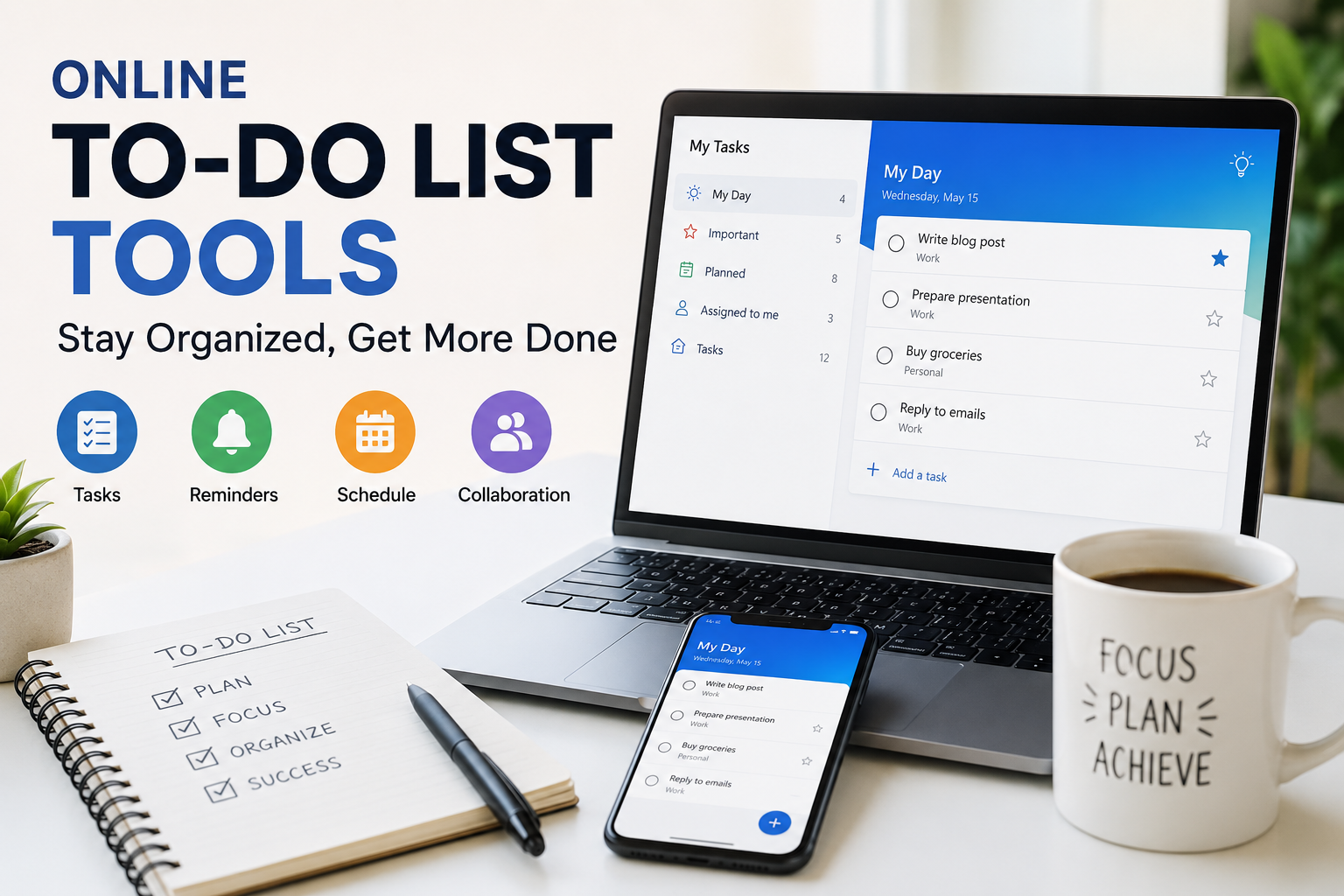
Microsoft To Do offers another simple way to organize daily work.
It syncs across multiple devices, allowing me to access my tasks wherever I go.
Its My Day feature encourages me to focus only on today’s priorities instead of worrying about everything at once.
Keeping my daily list short helps reduce stress.
Evernote
Even though many newer apps exist, Evernote remains useful for collecting ideas.
Whenever I come across useful research, client information, or creative inspiration, I save everything inside Evernote.
Its search feature quickly finds notes even months later.
This prevents me from wasting time searching through folders or emails.
Slack
Freelancers who work with agencies or remote teams often use Slack for communication.
Instead of constantly checking email, I receive instant project updates inside dedicated channels.
Sharing files, discussing projects, and organizing conversations becomes much easier.
Keeping communication organized also reduces misunderstandings with clients.
How I Choose the Right Time Management Tool
I have learned that using too many productivity apps actually creates more confusion.
Instead of installing every popular tool, I choose only the ones that solve real problems.
When selecting a time management tool, I usually consider these factors.
Ease of use
Affordable pricing
Cross device synchronization
Reliable reminders
Collaboration features
Integration with other software
Good customer support
A simple tool that I use every day is far more valuable than a powerful platform that feels too complicated.
Tips for Better Time Management
Using great software alone will not make anyone productive.
I combine these tools with healthy work habits.
I plan tomorrow before finishing today’s work.
I prioritize important tasks before checking emails.
I avoid multitasking whenever possible.
I keep notifications turned off during focused work sessions.
I take regular breaks to maintain energy.
I review my weekly performance every Sunday.
These small habits have made a significant difference in my freelance career.
Final Thoughts
Freelancing offers incredible flexibility, but success depends on managing time wisely. After trying many different productivity tools, I have realized there is no perfect solution for everyone. The best tool is the one that fits your workflow and helps you stay consistent.
For me, combining Google Calendar, Todoist, Clockify, and Notion creates a simple but highly productive system. These tools help me stay organized, meet deadlines, reduce stress, and deliver better work to my clients.
If you are just beginning your freelance journey, start with one or two tools instead of trying everything at once. Build a routine, stay disciplined, and improve it over time. Small improvements in time management can lead to better productivity, happier clients, higher earnings, and a healthier work life balance.