Related Articles


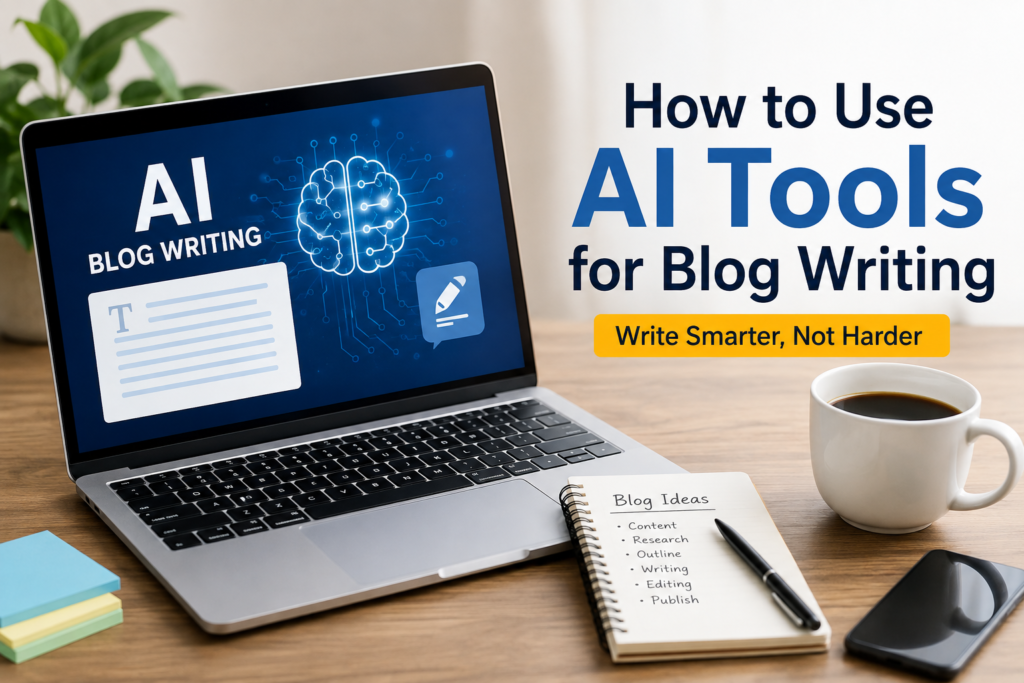
Blog writing has changed a lot over the last few years. When I started creating content, every article required hours of research, writing, editing, and proofreading. Sometimes I spent more time thinking about what to write than actually writing it. Things became much easier after I started using AI tools in my blogging workflow.
Many people think AI can replace writers, but I have a different opinion. I believe AI is not a replacement for creativity. Instead, it is a helpful assistant that saves time and helps us become more productive. I still make the final decisions, choose the ideas, edit the content, and add my personal experience. AI simply helps me work faster and more efficiently.
If you are a beginner or an experienced blogger, learning how to use AI tools properly can improve your writing process. In this article, I will share how I personally use AI tools for blog writing while keeping my content original, engaging, and useful for readers.
Start With a Clear Topic
Before opening any AI tool, I always decide what I want to write about. AI performs much better when it receives clear instructions. Instead of typing something general like “write a blog,” I choose a specific topic.
For example, rather than asking for an article about fitness, I select a focused topic such as “Best Morning Habits for Better Health” or “How to Build Muscle Without a Gym.”
Having a clear topic helps me stay focused throughout the writing process. It also allows AI to generate more relevant ideas and suggestions.
Use AI for Brainstorming Ideas
One of my favorite ways to use AI is for brainstorming. There are days when I know I want to write but cannot decide what topic would interest readers.
During those moments, I ask AI to suggest blog ideas related to my niche. The suggestions often inspire me to think differently or combine multiple ideas into one valuable article.
I never copy every suggestion exactly as it is. Instead, I use those ideas as inspiration and create content in my own style.
Create a Strong Outline
Once I choose my topic, I ask AI to help organize the article into sections. A good outline makes writing much easier because I already know what I will discuss in each part.
My outline usually includes an introduction, several informative headings, practical tips, common mistakes, frequently asked questions, and a conclusion.
Having this structure keeps my article organized and ensures I do not forget important points.
Research Faster With AI
Research is one of the most time consuming parts of blogging. AI can summarize information quickly and explain complex topics in simple language.
However, I never rely on AI alone for facts. If I include statistics, health information, financial advice, or technical details, I verify everything using trusted sources before publishing.
I think AI should help with research, not replace proper fact checking.
Write the First Draft Quickly
The biggest advantage of AI is speed. Instead of staring at a blank page, I ask AI to create a rough first draft.
This draft is never my final article. I treat it as a starting point that saves time and helps me overcome writer’s block.
After receiving the draft, I rewrite many sentences, remove unnecessary parts, add examples from my own experience, and adjust the tone to match my audience.
This process creates content that feels natural instead of robotic.
Add Your Personal Voice
I believe this is the most important step.
Readers visit blogs because they want to hear real opinions and experiences. If every article sounds exactly like AI generated content, people lose interest.
Whenever I write, I include my own thoughts, lessons, successes, and even mistakes. These personal touches make the article unique and help readers connect with me.
For example, instead of simply saying AI saves time, I explain how it reduced my writing time from several hours to less than half while allowing me to focus more on editing and improving quality.
That personal experience adds credibility that AI alone cannot provide.
Improve Grammar and Readability
After completing my article, I use AI to improve grammar, sentence flow, and readability.
Sometimes I write long sentences without realizing it. AI helps me simplify complicated paragraphs and make the content easier to understand.
Even after using AI for editing, I always read the article one more time before publishing. This final review helps me catch small mistakes and ensures the content sounds natural.
Create Better Headlines
A great article deserves a great headline.
I often ask AI to suggest several title ideas. Instead of choosing the first one, I compare different options and select the title that best matches my content.
My goal is to create headlines that attract attention without using misleading promises or clickbait.
An honest headline builds trust and encourages readers to return for future articles.