Related Articles
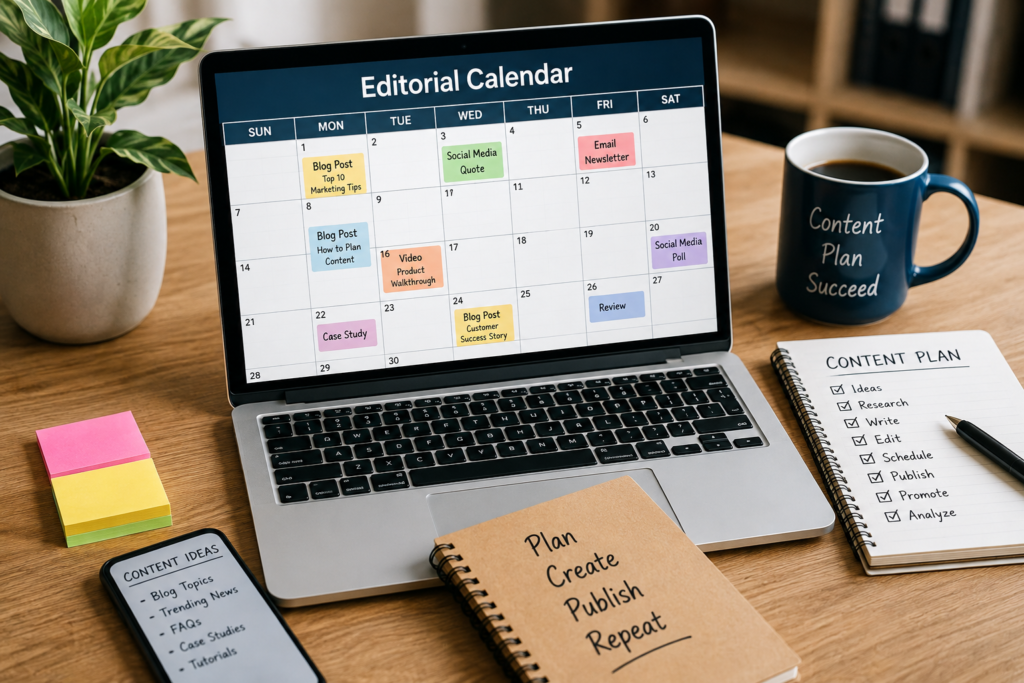
Creating content regularly sounds easy until I actually sit down and try to decide what to publish, when to publish it, and how to keep everything organized. This is where an editorial calendar becomes extremely useful. In my experience, an editorial calendar makes content planning easier because it gives me a clear view of my upcoming articles, publishing dates, topics, keywords, and content goals.
Whether you run a personal blog, business website, news website, or content marketing project, learning how to create an editorial calendar can save a lot of time. It also helps maintain consistency, which is one of the most important parts of building a successful website.
In this article, I will explain how I would create an editorial calendar from the beginning and how you can use the same approach to organize your content more effectively.
What Is an Editorial Calendar?
An editorial calendar is a simple planning system that helps organize your future content. It shows what content you plan to publish, when you plan to publish it, and what purpose each piece of content serves.
An editorial calendar can include blog posts, social media content, newsletters, videos, guides, tutorials, and other types of content.
I think of an editorial calendar as a roadmap for content creation. Instead of waking up every day and asking myself what I should write about, I can look at my calendar and immediately know what needs to be worked on.
It does not have to be complicated. A simple spreadsheet or calendar can be enough when you are starting.
Why Do You Need an Editorial Calendar?
One of the biggest benefits of an editorial calendar is organization. Without a proper plan, it is easy to publish several articles about similar topics while completely ignoring other important subjects.
An editorial calendar helps me avoid this problem by allowing me to see my content from a wider perspective.
It also helps with consistency. Search engines and readers both benefit from a website that regularly provides useful content. I do not believe that publishing a large number of articles in a short period is always better. A realistic and consistent publishing schedule is much easier to maintain.
Another benefit is better time management. When I know what I need to write next, I can prepare research, images, keywords, and other resources before the publishing date.
Start With Your Content Goals
Before creating an editorial calendar, I recommend deciding what you want your content to achieve.
Your goal could be increasing organic traffic, attracting new readers, building authority, promoting products, answering common questions, or growing an email audience.
For example, if my main goal is increasing search traffic, I would focus heavily on useful and keyword focused blog posts. If my goal is building a stronger relationship with existing readers, I might include newsletters, personal insights, and helpful guides.
Having a clear goal makes content planning much easier because every topic has a reason for being on the calendar.
Choose Your Main Content Topics
The next step is deciding which subjects you want to cover on your website.
I usually recommend creating a few main content categories instead of trying to write about everything. These categories should be connected to your website topic and useful to your target audience.
For example, a website about blogging could have categories such as blogging tips, SEO, content writing, website design, WordPress, and online marketing.
Once you have your categories, you can create multiple article ideas under each one. This approach makes it easier to keep your website organized and helps readers find related content.
Research Content Ideas
After selecting your main topics, start collecting article ideas.
There are many ways to find useful content ideas. You can think about questions your audience frequently asks, review popular subjects in your industry, check discussions on relevant platforms, and use keyword research tools to discover search terms.
I also like to keep a running list of ideas. Whenever I think of an interesting topic, I add it to the list instead of trying to remember it later.
This simple habit can make content planning much easier. When I sit down to create my editorial calendar, I already have a collection of potential topics to choose from.
Select Your Publishing Frequency
You do not need to publish every day to have a successful blog.
The best publishing schedule is one that you can realistically maintain. For one website, publishing one quality article per week may be perfect. Another website might publish two or three articles each week.
I would rather publish one useful article consistently than create five articles one week and then disappear for an entire month.
When deciding your publishing frequency, consider how much time you have for research, writing, editing, SEO, images, and promotion.
Create Your Editorial Calendar
Now it is time to create the actual calendar.
You can use a spreadsheet, online calendar, project management application, or even a simple document. The tool itself is not as important as the information you include.
For each planned article, I recommend adding the following details:
Title
Main keyword
Content category
Search intent
Target audience
Writer
Drafting date
Editing date
Publishing date
Content status
Featured image status
Promotion date
Adding these details gives you a complete picture of each content project.
You can keep the system simple in the beginning and add more information as your website grows.
Organize Content by Status
One feature I find particularly useful is assigning a status to every content idea.
For example, you can use statuses such as idea, research, writing, editing, ready, scheduled, published, and promoted.
This makes it easy to understand where every article currently stands.
If I have twenty ideas but only two articles in the writing stage, I know that I need to move more ideas into production. If several articles are ready but not published, I can focus on scheduling them.
This creates a much smoother content workflow.
Plan Content Around Keywords
An editorial calendar can also make your SEO strategy more organized.
Instead of choosing random keywords for every article, you can plan related keywords across several weeks or months.
For example, if your main topic is blogging, you could create a series of articles about starting a blog, choosing a niche, selecting web hosting, choosing a domain name, creating website pages, organizing blog categories, and creating an editorial calendar.
These topics are connected, which can help you build a stronger content structure.
However, I believe keywords should support useful content rather than control the entire writing process. The article should always be written for people first.
Include Different Types of Content
Your editorial calendar does not have to contain only traditional blog posts.
You can include tutorials, guides, checklists, case studies, frequently asked questions, comparison articles, videos, newsletters, and social media posts.
Using different content formats can make your website more interesting and give you more opportunities to reach your audience.
For example, one detailed blog article can later become several social media posts or a short email newsletter. Planning these related pieces in your editorial calendar can help you get more value from your original content.
Leave Room for New Ideas
One mistake I would avoid is filling every single day of the calendar months in advance.
Content plans are useful, but things can change. A new trend, important announcement, seasonal topic, or audience question may become more valuable than something already planned.
That is why I recommend leaving some space in your editorial calendar.
A flexible calendar gives you structure without making your content strategy feel restrictive.
Review Your Calendar Regularly
Creating an editorial calendar is not a one time task.
I recommend reviewing it at least once a week. During this review, check which articles are completed, which ones are delayed, and whether any topics need to be changed.
At the end of each month, look at your overall content performance.
Check which articles attracted visitors, which topics received engagement, and which content did not perform as expected.
This information can help you improve the next month’s editorial calendar.
Keep Your Calendar Simple
When creating an editorial calendar for the first time, it can be tempting to add too many columns, complicated systems, and unnecessary details.
I believe simplicity is better.
Start with the article title, keyword, category, status, and publishing date. Once you become comfortable with the system, you can add other information.
The purpose of an editorial calendar is to make content planning easier, not to create another complicated task.
My Approach to Creating an Editorial Calendar
If I were starting a new website today, I would first create a list of around thirty content ideas. Then I would divide those ideas into several main categories.
After that, I would identify the most important keywords and choose a realistic publishing schedule. I would place the highest priority topics earlier in the calendar and keep some space for unexpected content ideas.
I would then assign a status to every article and review the calendar every week.
This approach keeps the process practical. I do not need an expensive tool or a complicated strategy. I simply need a clear plan that I can actually follow.
Final Thoughts
Learning how to create an editorial calendar can make content creation much more organized and manageable. It helps you plan topics, maintain consistency, target relevant keywords, manage deadlines, and understand what you need to work on next.
In my opinion, the best editorial calendar is not the most complicated one. It is the one you can use consistently.
Start with a simple content plan, choose realistic publishing dates, organize your topics, track your progress, and review your results regularly. As your website grows, your editorial calendar can grow with it.
A good content strategy does not happen by publishing random articles whenever you have time. It comes from having a clear direction and consistently creating useful content for your audience. An editorial calendar gives you that direction and can become one of the most useful tools in your blogging and content marketing workflow.