Related Articles


A website can look perfect on the surface and still have many problems that affect its search rankings, speed, security, and user experience. This is why I believe a regular website audit is important for every website owner, blogger, and small business.
When I started learning more about SEO and website management, I realized that a website audit does not always require expensive software. There are several free website audit tools that can help identify technical SEO problems, slow loading pages, broken links, mobile usability issues, indexing problems, and other areas that need improvement.
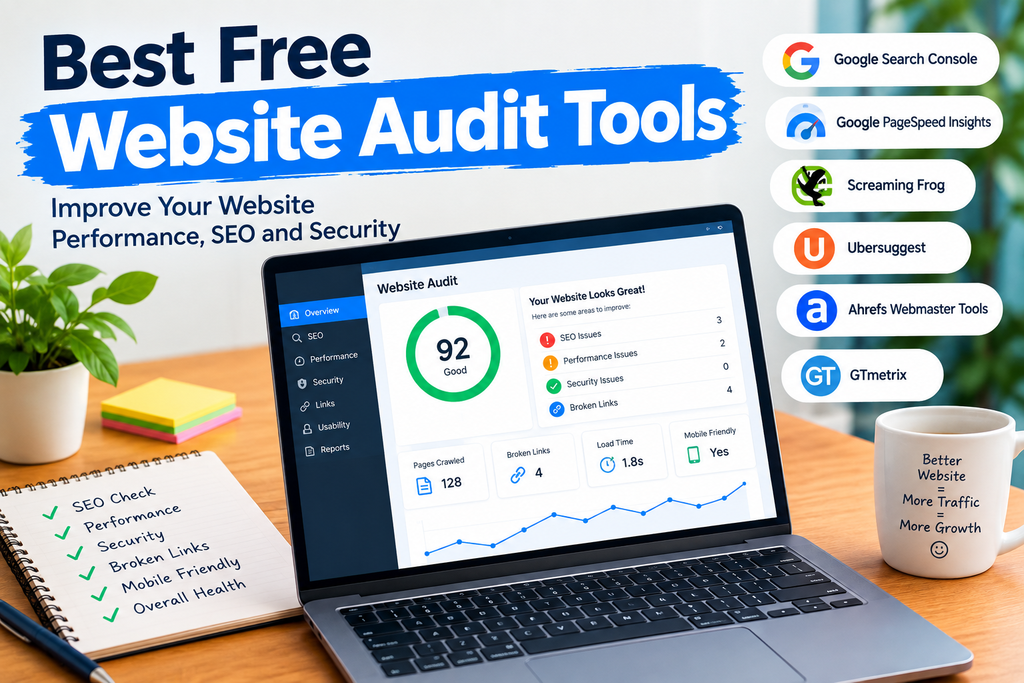
In this article, I will share some of the best free website audit tools that I find useful. I will also explain what each tool does, what type of problems it can find, and how beginners can use these tools to improve their websites.
What Is a Website Audit?
A website audit is basically a complete checkup of a website. It looks at different parts of your website to find problems that could affect performance and search engine visibility.
A good website audit can check things such as page speed, broken links, mobile friendliness, SEO elements, indexing, security, content, images, and technical issues.
For example, your website might have pages that load slowly because of large images. You may also have broken links that lead visitors to missing pages. Search engines may also have difficulty understanding or indexing some pages.
A website audit tool helps you discover these problems so you can fix them.
Why Should You Audit Your Website?
In my opinion, website auditing should be part of regular website maintenance. Even if your website is working correctly today, problems can appear after installing plugins, changing themes, publishing new articles, or modifying website settings.
A website audit can help you:
Improve technical SEO
Find broken links
Check website speed
Improve mobile usability
Identify missing SEO elements
Find indexing problems
Improve user experience
Discover security issues
Understand website performance
Improve your chances of getting organic traffic
You do not need to check everything manually. Free website audit tools can save a lot of time.
1. Google Search Console
Google Search Console is one of the first tools I recommend for website owners. It is completely free and is especially useful for understanding how Google sees your website.
The tool can show indexing problems, search performance, sitemap information, mobile usability issues, and other technical information.
One of the most useful features is the Pages report. It can help you understand which pages Google has indexed and which pages have problems.
Search Console can also show the search queries that bring visitors to your website. You can see impressions, clicks, and average positions for your pages.
For anyone working on SEO, I consider Google Search Console an essential free website audit tool.
2. Google PageSpeed Insights
Website speed is important for both users and search engines. Google PageSpeed Insights is a free tool that allows you to check the performance of individual web pages.
You simply enter your page URL, and the tool provides performance information for mobile and desktop experiences.
It can highlight problems related to images, JavaScript, CSS, server response, and other performance factors.
I especially like this tool because it does not only provide a score. It also gives recommendations that can help you understand what needs attention.
If your website is slow, start by checking your most important pages with PageSpeed Insights.
3. Screaming Frog SEO Spider
Screaming Frog SEO Spider is a popular website crawling tool. Its free version can crawl a limited number of URLs, which can still be useful for small websites and beginners.
It can help find broken links, missing page titles, missing meta descriptions, duplicate content issues, redirects, response codes, and other technical SEO problems.
The tool works differently from simple online audit websites because it actually crawls your website and organizes technical information in a detailed interface.
For a small WordPress website, the free version can provide a useful overview of important technical problems.
4. Ahrefs Webmaster Tools
Ahrefs Webmaster Tools provides free website auditing features for verified websites. It can crawl your website and identify different technical SEO issues.
The tool can help identify broken links, missing metadata, internal linking problems, performance issues, and other technical SEO opportunities.
Another useful feature is the ability to monitor your website’s health over time.
I think this makes Ahrefs Webmaster Tools useful for website owners who want more detailed SEO information without immediately paying for a premium SEO subscription.
5. Ubersuggest
Ubersuggest is another popular SEO platform that offers limited free functionality. It can provide information about keywords, SEO issues, backlinks, and website performance.
Its website audit features can help identify common SEO problems and provide recommendations for improving a website.
One thing I find useful about tools like Ubersuggest is that they combine website auditing with keyword research. This can be helpful when you are trying to understand both your technical SEO and content strategy.
The free limits mean that you may not be able to perform unlimited audits, but it can still be useful for occasional checks.
6. GTmetrix
GTmetrix is mainly focused on website performance and page speed. It provides detailed information about how a webpage loads and where performance improvements may be possible.
The report can help you understand loading behavior, page size, requests, and other performance measurements.
If your website has heavy images, unnecessary scripts, or other elements that slow down pages, a performance testing tool like GTmetrix can help you identify them.
I recommend using it alongside Google PageSpeed Insights because different tools can provide different perspectives on website performance.
7. SEO Site Checkup
SEO Site Checkup is an online SEO auditing platform designed to provide a quick overview of website optimization.
It can check areas such as SEO, mobile usability, speed, security, and other website factors.
The interface is relatively easy to understand, which can make it useful for beginners who are not familiar with technical SEO terminology.
For a quick website health check, tools like this can give you a starting point before you move toward more detailed analysis.
8. Google Mobile Friendly Testing Alternatives
Mobile optimization is extremely important because many people access websites using smartphones. Although Google’s standalone Mobile Friendly Test has been retired, website owners can still use tools such as Search Console and PageSpeed Insights to investigate mobile experiences.
When auditing your website, check whether text is easy to read, buttons are usable, images fit properly, and pages load efficiently on smaller screens.
I always recommend checking important pages on an actual smartphone as well. Automated tools are useful, but real user testing can reveal problems that a technical report may not fully explain.
9. W3C Markup Validation Service
The W3C Markup Validation Service can help developers identify markup problems in HTML documents.
Incorrect HTML markup does not automatically mean that a website cannot rank, but clean and valid code can make development and troubleshooting easier.
If you manage your own website and frequently edit HTML, this tool can be useful for finding coding errors.
It is more technical than some other tools on this list, so beginners may need some basic HTML knowledge to understand the results.
10. Security Headers
Security is another important part of website maintenance. Security Headers is a tool that can help website owners examine HTTP security headers.
Security headers can provide browsers with instructions related to certain security protections.
This type of audit is particularly useful for people who manage their own websites and want to understand whether important security configurations are present.
For WordPress websites, security should never be ignored. Keeping WordPress, themes, and plugins updated is also an important part of basic website maintenance.
How I Would Audit a Website for Free
If I were auditing a small website without spending money, I would not depend on just one tool. Different tools focus on different areas.
First, I would connect the website to Google Search Console. I would check indexing, sitemap information, search performance, and any reported problems.
Next, I would test important pages with Google PageSpeed Insights. I would focus on improving real problems instead of trying to achieve a perfect score.
After that, I would crawl the website with Screaming Frog if the website is small enough for the free version. I would look for broken links, missing titles, missing descriptions, redirects, and other technical problems.
I would then use another SEO auditing platform such as Ahrefs Webmaster Tools or Ubersuggest to get additional information.
Finally, I would manually visit the website on both desktop and mobile devices.
This combination gives me a much clearer picture than relying on a single website audit tool.
Common Problems Found During Website Audits
Website audits can reveal many different problems. Some of the most common ones include broken links, missing title tags, duplicate titles, missing meta descriptions, slow pages, oversized images, redirect problems, indexing issues, poor mobile layouts, and weak internal linking.
Another common problem is outdated content. A technical audit may not tell you whether an article is genuinely useful to readers, so content quality still needs human attention.
This is why I see an audit as a starting point rather than the final answer.
Free Website Audit Tools vs Paid Tools
Free tools are usually enough for beginners, bloggers, students, and small websites. They can help you discover many important problems without requiring a monthly subscription.
Paid SEO platforms generally provide larger crawling limits, more historical information, advanced keyword research, detailed competitor analysis, and additional reporting features.
However, I would not recommend paying for expensive software before understanding the basic information provided by free tools.
For a new website, learning how to identify and fix common SEO and performance issues is often more valuable than purchasing a large collection of premium tools.
Final Thoughts
The best free website audit tools can make website management much easier. You do not need expensive software to start improving your website.
Google Search Console is excellent for understanding search visibility and indexing. Google PageSpeed Insights is useful for performance testing. Screaming Frog can provide detailed technical crawling information, while Ahrefs Webmaster Tools and Ubersuggest offer additional SEO insights. GTmetrix is another useful choice for performance analysis.
My main advice is to use several tools together instead of trusting a single score. Every tool measures different things, and a high score does not automatically mean that a website is perfect.
A regular website audit can help you find problems before they become bigger issues. Whether you run a personal blog, business website, portfolio, or WordPress site, spending some time checking your website can improve its technical health, usability, and overall SEO.
The most important part is not simply finding problems. It is understanding them and fixing the issues that actually affect your visitors and website goals.