Related Articles


When I write an article, blog post, website page, or social media content, I always find it useful to know exactly how many words I have written. Word count may look like a small detail, but in my experience it can make a big difference when creating organized and useful content. This is where free word counter tools for websites become helpful.
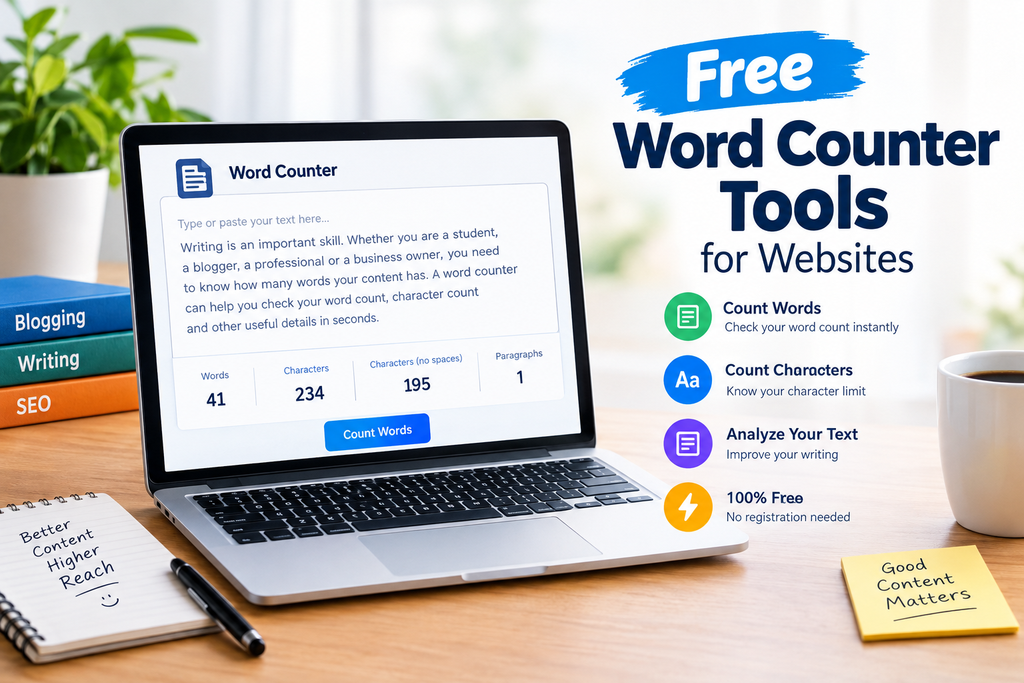
A word counter tool allows me to paste or type my content and instantly see the total number of words. Many tools also provide character count, sentence count, paragraph count, and sometimes reading time. The best part is that many online word counter tools are completely free and can be used directly from a web browser.
In this article, I will explain what a free word counter tool is, why it is useful, who should use it, and how I personally use these tools when working on online content.
What Is a Free Word Counter Tool?
A free word counter tool is an online utility that calculates the number of words in a piece of text. Instead of manually counting every word, I can simply copy my content, paste it into the tool, and get the result within seconds.
For example, if I have written a 1,000 word blog post, a word counter can quickly confirm whether the article is close to my target. This is particularly useful when a client, teacher, website editor, or content plan requires a specific word count.
Most free word counter tools work directly in a browser. There is usually no complicated software to install. Some tools also allow users to type directly into a text box while the word count updates automatically.
Why I Use Word Counter Tools
I consider a word counter one of the simplest tools for writers, but it can save a surprising amount of time. When writing content, I do not want to stop repeatedly to estimate how long my article is.
A free online word counter gives me an exact figure. This helps me keep my writing within the required length and prevents an article from becoming unnecessarily short or long.
Another advantage is that word counting can help me organize an article. If I am planning a long blog post, I can divide it into different sections and make sure that each important topic receives enough attention.
For website owners, this can also be useful when creating landing pages, product descriptions, category pages, and informational articles.
Word Counter for Bloggers
Bloggers are among the people who can benefit most from free word counter tools. When I write a blog post, I usually have a target length in mind.
For example, a short informational post may only need a few hundred words, while a detailed guide may require considerably more. A word counter lets me check the progress of my article without guessing.
It can also help when updating older blog posts. If an existing article is very short, I can use the word count as one indication that the content may need additional useful information. However, I believe quality should always come before simply increasing the number of words.
An article should answer the reader’s question clearly rather than adding unnecessary sentences just to reach a particular number.
Word Counter for Students
Students can also use free word counter tools when preparing assignments, essays, reports, and other written work.
Many educational tasks have minimum or maximum word requirements. Instead of counting words manually, students can paste their work into an online word counter and immediately check the length.
I think this is particularly useful before submitting an assignment. A quick word count can help identify whether the document meets the required limit.
Students can also use character counting when a teacher or application asks for a specific character limit.
Word Counter for SEO Content
Word count is also useful in search engine optimization. When I create SEO content, I focus primarily on usefulness, search intent, readability, and originality. Word count is only one part of the overall process.
A free word counter can still be helpful because it allows me to understand the overall size of an article. If I am creating a detailed guide, I can check whether I have covered the subject sufficiently.
However, I do not believe that a specific word count automatically makes an article rank better. Search engines care about many factors, including relevance, helpfulness, website quality, technical SEO, and user experience.
For me, the best approach is to write enough content to properly answer the reader’s question while avoiding unnecessary repetition.
Useful Features in Free Word Counter Tools
Not every word counter offers the same features. Some are very basic, while others provide a complete text analysis.
Here are some features I find useful.
Word Count
This is the main feature. It tells me the total number of words in my text.
Character Count
Character count tells me how many characters are present in the content. Some tools show characters with spaces and without spaces.
This can be useful for social media posts, advertisements, meta descriptions, forms, and other content with character limitations.
Sentence Count
Some word counter tools also calculate the number of sentences. This can give me a quick overview of how much text I have written.
Paragraph Count
Paragraph counting can help me understand the structure of an article. If I see very large paragraphs, I may decide to divide them into smaller sections to improve readability.
Reading Time
Some advanced word counters estimate how long it might take an average reader to finish the content. I find this useful when creating longer online articles.
How to Use a Free Word Counter Tool
Using a free word counter tool is usually very simple.
First, I open the word counter website in my browser. Then I copy the article, essay, or other text that I want to analyze.
Next, I paste the content into the provided text box. The tool normally calculates the number of words automatically.
After that, I can review the word count and other available statistics. If my content is too short, I can add useful information. If it is too long, I can remove repetition and unnecessary sentences.
Finally, I review the content itself rather than relying only on the numbers. A good word count is helpful, but clear writing remains more important.
What Makes a Good Free Word Counter Tool?
In my opinion, a good free word counter should be simple, fast, and easy to understand. I do not want to spend several minutes learning how to use a basic counting tool.
A clean interface is also important. The text box should be easy to find, and the results should be clearly displayed.
I also prefer tools that do not require unnecessary registration. If I only need to count words, I should be able to paste my text and receive the result quickly.
Privacy is another consideration. If I am working with private or unpublished material, I prefer to understand how the website handles the text I enter.
Word Count and Content Quality
One mistake I see often is treating word count as the main goal of writing. I do not think this is the right approach.
A 500 word article that completely answers a reader’s question can be more useful than a 2,000 word article filled with repetition.
When I use a free word counter, I treat the result as a measurement rather than a quality score. The number tells me how long the content is, but it does not tell me whether the content is accurate, helpful, original, or easy to read.
That is why I always review the actual content after checking the word count.
Benefits for Website Owners
Website owners can use free word counter tools for many different tasks. They can check blog articles, website pages, product descriptions, FAQs, tutorials, and other written material.
For content planning, word counting can also help maintain consistency across a website. If several articles are supposed to be similar in depth, checking their approximate lengths can provide a basic reference point.
For SEO work, a word counter can also make it easier to review content before publishing. I can check the article length, improve sections that feel incomplete, and remove unnecessary repetition.
Final Thoughts
I believe free word counter tools for websites are simple but valuable resources for anyone who works with written content. Bloggers, students, website owners, marketers, writers, and businesses can all benefit from having a quick way to measure their text.
The biggest advantage is convenience. Instead of manually estimating the length of an article, I can paste my content into a free word counter and get an immediate result.
At the same time, I always keep one thing in mind: word count should support good writing, not replace it. The real purpose of an article is to provide useful information to the reader.
For me, the best workflow is simple. I write naturally, organize the information clearly, check the word count, review the content for unnecessary repetition, and then make final improvements before publishing.
When used this way, a free word counter tool becomes more than just a counting utility. It becomes a practical part of my writing and content creation process.