Related Articles


Internal linking is one of the simplest SEO techniques that I believe every website owner should understand. It does not require expensive tools, advanced coding, or a huge marketing budget. A well planned internal linking strategy can make a website easier to navigate, help search engines understand your content, and encourage visitors to explore more pages.
In my experience, many website owners focus heavily on keywords, backlinks, and publishing new articles while ignoring the connections between the pages they already have. This is a missed opportunity. Your existing content can support each other when you use relevant internal links naturally.
In this article, I will explain how internal linking helps SEO, why it matters, how to create internal links correctly, and what mistakes you should avoid.
What Is Internal Linking?
Internal linking means adding a link from one page of your website to another page on the same website. For example, if I write an article about keyword research and mention SEO friendly blog titles, I can link that phrase to another article on my website that explains how to write better blog titles.
This creates a connection between related pages.
Internal links are different from external links. An external link sends visitors to another website, while an internal link keeps visitors within your own website.
A good internal linking structure helps both readers and search engines understand how different pages on your website are related.
How Internal Linking Helps SEO
Internal linking can support SEO in several important ways. It helps search engines discover content, understand the structure of a website, and determine which pages are important.
When one page links to another relevant page, it creates a path that search engine crawlers can follow. This can make it easier for search engines to discover pages that may otherwise be difficult to find.
Internal links can also help distribute authority throughout your website. If an important page receives strong links from other relevant pages, some of the value associated with those links can flow through the website.
However, I do not recommend adding links simply for the sake of adding them. Relevance should always come first.
Internal Links Improve Website Navigation
One of the biggest advantages of internal linking is better navigation.
Imagine that a visitor lands on one of your blog posts through Google. They read the article and find a link to another useful topic that answers their next question. Instead of leaving your website and searching somewhere else, they can continue reading your content.
This creates a better user experience.
For example, if you have a website about SEO, an article about keyword research could naturally link to articles about long tail keywords, on page SEO, blog titles, meta descriptions, and internal linking.
The visitor gets a clear path through your content.
I believe this is one of the most useful reasons to build internal links. You are not only helping search engines. You are helping real people find more information.
Internal Linking Helps Search Engines Understand Your Content
Search engines need to understand what your pages are about and how those pages relate to each other.
Internal links provide useful context.
Suppose you have several articles about SEO. One article discusses keyword research, another covers on page SEO, and another explains technical SEO. When these pages are connected with relevant internal links, search engines can better understand that they belong to the same overall topic.
This can help create a stronger topical structure.
For this reason, I recommend thinking about your website as a collection of related topics rather than a group of separate articles.
Your content should work together.
Internal Links Can Help Important Pages Get More Attention
Not every page on a website has the same level of importance.
You may have certain pages that you really want visitors and search engines to find. These could include detailed guides, service pages, category pages, cornerstone articles, or important product pages.
Internal links can help direct attention toward these pages.
For example, if you have written a comprehensive guide about SEO and several related articles, you can naturally link those supporting articles back to the main guide.
This creates a content structure where smaller supporting pages connect to an important central page.
I find this approach especially useful for websites with a large amount of content.
Internal Linking Can Increase Page Views
Internal links can encourage visitors to read more pages.
When someone finishes an article and sees another relevant resource, they have an easy reason to continue browsing.
For example, a visitor reading about keyword research may want to learn how to choose the right keywords for blog posts. A relevant internal link can take them directly to that article.
More useful page connections can increase the number of pages a visitor explores during a session.
The important word here is useful. I would never recommend adding irrelevant links just to increase page views. The link should genuinely help the reader.
Use Descriptive Anchor Text
Anchor text is the clickable text used for a link.
For example, instead of writing “click here,” you could write “how to choose the right keywords for blog posts.”
Descriptive anchor text gives readers a better idea of what they will find after clicking the link.
It can also provide search engines with additional context about the destination page.
I recommend keeping anchor text natural and relevant to the page you are linking to. Do not repeatedly force the exact same keyword into every internal link.
Your writing should sound natural first.
Link Relevant Pages Together
Relevance is one of the most important parts of internal linking.
If you are writing about technical SEO, linking to another article about website speed can make sense. Linking to an unrelated article about a completely different topic may not provide much value.
Before adding an internal link, I usually ask myself a simple question.
Would this link genuinely help someone who is reading this paragraph?
If the answer is yes, the link is probably worth considering.
This simple approach can prevent your website from becoming overloaded with unnecessary links.
Create Content Clusters
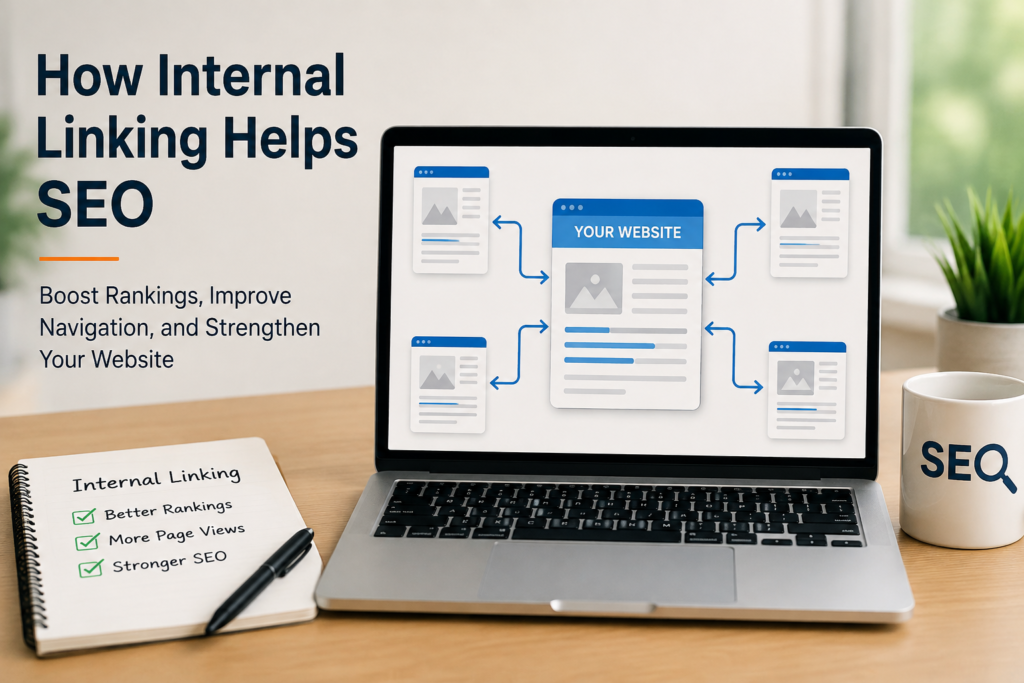
Internal linking works especially well when you organize your content into topic clusters.
A topic cluster usually includes one main comprehensive page supported by several related articles.
For example, your main topic could be SEO. Supporting articles might cover keyword research, on page SEO, off page SEO, meta descriptions, blog titles, internal linking, and technical SEO.
These articles can link to one another where appropriate, while also connecting back to the main SEO guide.
This creates a strong internal structure.
From my point of view, content clusters are much easier to manage when you plan them before publishing dozens of unrelated articles.
Link From Older Articles to New Content
Internal linking should not stop after publishing an article.
Whenever I publish a new article, I think about whether I have older articles that could naturally link to it.
For example, if you publish a new article about internal linking, you can review older SEO articles and add relevant links to the new content.
This is a simple way to connect your existing content with new pages.
It can also help new articles get discovered through existing pages that search engines already crawl regularly.
Avoid Adding Too Many Internal Links
There is no perfect number of internal links that every article should have.
The right number depends on the length and purpose of the content.
Adding a few useful links throughout a detailed article can be helpful. Adding links to almost every sentence can make the page difficult to read and can reduce their usefulness.
I believe quality is more important than quantity.
Every internal link should have a purpose.
If a link does not help the reader understand the topic or discover useful related information, you probably do not need it.
Do Not Use the Same Anchor Text Everywhere
Using identical anchor text for every link to a page can make your content look unnatural.
For example, if you repeatedly link to one page using exactly the same keyword, you may lose the natural variety that good writing normally has.
You can use descriptive variations where appropriate while still making the destination clear.
The anchor text should accurately describe the linked page rather than being written only for search engines.
Check for Broken Internal Links
Broken links can create a poor experience for visitors.
If an internal link leads to a missing page, the visitor may see an error page instead of the information they expected.
I recommend checking your website regularly for broken internal links, especially if you have been publishing content for a long time.
Pages are sometimes deleted, URLs are changed, and website structures are updated. When that happens, old internal links can stop working.
Keeping your internal links healthy is part of maintaining a professional website.
Internal Linking and User Experience
SEO is not only about search engines. The people visiting your website matter too.
A good internal linking structure helps visitors move from one useful piece of information to another.
If someone reads an introductory article and then finds a link to a detailed guide, they can choose how deeply they want to explore the topic.
This makes the website feel organized and useful.
In my opinion, the best internal linking strategy is one where the SEO benefit happens naturally because you are creating a better experience for your readers.
A Simple Internal Linking Strategy
If you are new to internal linking, you do not need to make your strategy complicated.
Start by identifying your most important pages.
Then find related articles that can naturally link to those pages.
Use descriptive anchor text and place links where they make sense within the content.
Next, look at your newest articles and find older relevant articles that can link to them.
Finally, check your website regularly for broken links and opportunities to improve connections between related pages.
This simple process can make a noticeable difference as your website grows.
Final Thoughts
Internal linking is one of those SEO techniques that is easy to overlook because it seems simple. However, its simplicity is actually one of its biggest advantages.
A strong internal linking strategy can help search engines discover your pages, understand the relationship between your content, and identify important sections of your website. At the same time, internal links can improve navigation and encourage visitors to discover more useful information.
From my point of view, the best approach is to focus on relevance and user experience. Do not add internal links simply because you think you need a certain number of links. Instead, connect pages when the connection makes sense.
If you consistently create useful content and connect related pages with natural internal links, your website can develop a much stronger structure over time.
Internal linking may be a small part of SEO, but when it is done properly, it can become a valuable part of your overall SEO strategy.