Related Articles
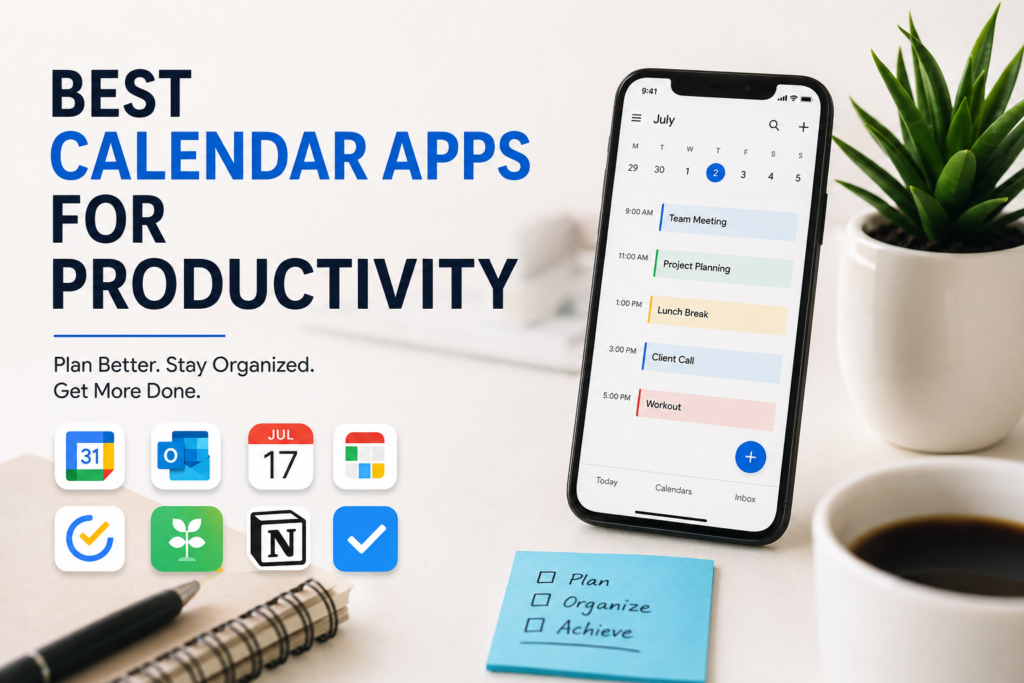
Staying productive is not only about working harder. In my experience, it is more about managing time in a smart way. There was a time when I tried to remember everything in my head. I often forgot important meetings, missed deadlines, and felt stressed because I was trying to keep track of too many tasks. Everything changed when I started using calendar apps. They helped me organize my schedule, plan my day, and stay focused on what really matters.
Today, there are many calendar apps available, and each one offers something different. Some are perfect for personal planning, while others are designed for teamwork and business. After trying several calendar apps, I have found a few that stand out because they are easy to use, reliable, and genuinely improve productivity. In this article, I will share the best calendar apps that I believe can help anyone manage their time more effectively.
Google Calendar
Google Calendar is the first app that comes to my mind whenever someone asks me for a calendar recommendation. It is simple, free, and works on almost every device. Since I already use Gmail and other Google services, adding Google Calendar to my daily routine felt completely natural.
One feature I appreciate the most is automatic event creation. Whenever I receive a flight booking, hotel reservation, or meeting invitation in Gmail, Google Calendar often adds it automatically. This saves time and reduces the chance of forgetting important events.
Another reason I like Google Calendar is its ability to create multiple calendars. I keep separate calendars for work, personal activities, and family events. This helps me stay organized without mixing everything together.
The reminder notifications are also very useful. I can set reminders hours or even days before an event so I always have enough time to prepare.
Microsoft Outlook Calendar
For people who work in offices or businesses, Microsoft Outlook Calendar is an excellent choice. I have used it while working on professional projects, and I found it very effective for scheduling meetings and managing work responsibilities.
One thing I really enjoy is how well it connects with Microsoft Office. If I receive a meeting invitation through Outlook, I can accept it with one click, and it immediately appears on my calendar.
Outlook Calendar also makes it easy to view coworkers’ schedules. This feature saves a lot of time when trying to find a meeting time that works for everyone.
The clean interface and reliable reminders make it a great option for professionals who depend on organized schedules.
Apple Calendar
Apple Calendar is one of the best choices for people who use iPhones, iPads, and Mac computers. I appreciate how smoothly it works across all Apple devices.
Whenever I create an event on my iPhone, it instantly appears on my Mac without any extra effort. This automatic syncing makes life much easier.
Apple Calendar also integrates with Siri. If I suddenly remember an appointment while driving or walking, I can simply ask Siri to create the event for me.
The app has a simple design that makes planning enjoyable instead of complicated. It includes reminders, recurring events, location alerts, and easy sharing with family members.
Fantastical
Fantastical is a premium calendar app that impressed me with its smart features. Although it requires a subscription for advanced options, I think many users will find it worth the investment.
One feature I love is natural language input. Instead of filling out several boxes, I can simply type something like “Meeting with John tomorrow at 3 PM,” and Fantastical automatically creates the event.
The app also combines calendar events, reminders, and tasks into one place. This reduces the need to switch between multiple productivity apps.
Its attractive interface makes daily planning feel smooth and enjoyable.
Any.do Calendar
Any.do is much more than a calendar app. It combines a calendar with a powerful task manager, which I personally find very helpful.
Sometimes I have several tasks that need to be completed before a meeting or deadline. With Any.do, I can see both my calendar events and my task list on one screen.
This makes planning my day much easier because I always know what needs to be done and when.
The app also includes recurring tasks, reminders, shopping lists, and collaboration features for teams.
TimeTree
If you need a calendar for family members or small groups, TimeTree is one of the best options I have used.
Instead of everyone maintaining separate schedules, family members can share one calendar. This makes it easy to keep track of birthdays, appointments, vacations, and special occasions.
I especially like the comment feature under each event. Everyone can discuss plans without needing a separate messaging app.
TimeTree is ideal for families, couples, roommates, and small organizations.
Notion Calendar
Notion Calendar has quickly become popular among people who already use Notion for note taking and project management.
I enjoy how everything stays connected. My notes, projects, deadlines, and meetings all work together in one system.
This is especially useful for freelancers, students, and content creators who manage multiple projects at once.
The modern interface and seamless integration with Notion make it an attractive productivity solution.
TickTick Calendar
TickTick is another excellent productivity app that combines task management with calendar planning.
What I like most is its flexibility. I can organize my tasks based on priority, deadlines, and categories while also viewing them on a calendar.
The built in habit tracker is another feature I find useful. It helps me stay consistent with daily goals like reading, exercising, or learning new skills.
For people who enjoy detailed planning, TickTick offers an excellent balance between simplicity and powerful organization.
Why Calendar Apps Improve Productivity
Before using calendar apps regularly, I often relied on memory. Unfortunately, memory is not always reliable, especially when life becomes busy.
Now I schedule almost everything, including meetings, study sessions, workouts, writing time, and even breaks. This simple habit has made me far more productive.
Calendar apps reduce mental stress because I no longer have to remember every small detail. Instead, I focus my attention on completing important work.
They also help avoid scheduling conflicts by showing exactly when I am available.
Perhaps the biggest benefit is improved time management. Once I started planning my days in advance, I realized how much time I had previously wasted.
Tips for Choosing the Right Calendar App
Choosing the best calendar app depends on your personal needs.
If you want a free and reliable solution, Google Calendar is an excellent choice.
If your work depends on Microsoft Office, Outlook Calendar is probably the better option.
Apple users will enjoy the smooth experience offered by Apple Calendar.
If advanced scheduling is important to you, Fantastical provides impressive features.
For people who need task management alongside scheduling, Any.do and TickTick are both excellent options.
Families should consider TimeTree because it makes shared planning simple.
People who already use Notion will likely appreciate Notion Calendar because everything stays connected.
The best calendar app is the one that fits naturally into your daily routine and encourages you to stay organized.
Final Thoughts
Productivity is not about filling every minute of the day with work. In my opinion, true productivity means spending time on the things that matter most while avoiding unnecessary stress. A good calendar app acts like a personal assistant that reminds you about important events, helps you organize your schedule, and allows you to plan your future with confidence.
I have learned that even the best productivity techniques become much easier when combined with a reliable calendar app. Instead of worrying about what I might forget, I can focus on completing my work and enjoying my free time.
Whether you are a student, freelancer, business owner, or someone simply trying to organize daily life, there is a calendar app that can match your needs. Try a few different options, explore their features, and choose the one that feels most comfortable. Once you build the habit of planning your schedule consistently, you will notice better time management, reduced stress, and improved productivity in both your personal and professional life.