Related Articles
Have you ever reached the end of a busy day and realized that you forgot to complete the most important task on your list? I have experienced this more times than I would like to admit. No matter how good my memory seemed, I eventually understood that depending on my brain alone was not the smartest way to stay organized. That is when I started using online to do list tools, and honestly, they changed the way I manage both my work and personal life.
Today, there are hundreds of productivity apps available on the internet. Some are simple and focus only on creating task lists, while others come with advanced features like reminders, collaboration, calendars, and project management. The good thing is that there is a tool for everyone, whether you are a student, freelancer, business owner, or someone who simply wants to stay organized.
In this article, I will share my thoughts about online to do list tools, explain why they are useful, and discuss some of the best options available today.
Why Online To Do List Tools Matter
Life has become busier than ever. Every day I have different responsibilities, including work, personal projects, family commitments, and learning new skills. Without a proper system, it is very easy to miss deadlines or forget important tasks.
An online to do list tool helps me organize everything in one place. Instead of keeping notes on random pieces of paper or trying to remember everything, I simply open my app and check what needs to be completed.
Another reason I like these tools is that they are available on almost every device. Whether I am using my laptop, tablet, or smartphone, my task list stays updated automatically.
Features I Always Look For
After trying several different applications, I realized that not every tool fits my workflow. Some have too many complicated features while others are too basic.
The first thing I always look for is a clean interface. I do not want to spend time learning how an app works. I prefer something that allows me to add tasks within seconds.
Reminders are another feature I consider essential. Even if I create a task, it does not help much if I forget about it. Timely notifications make sure that important deadlines stay on my radar.
Cloud synchronization is also very important. Since I switch between multiple devices during the day, I appreciate having my tasks available everywhere without manually updating anything.
I also enjoy using labels, priorities, and categories because they help me separate work tasks from personal goals.
Microsoft To Do
One of the simplest tools I have used is Microsoft To Do. It offers a clean interface that makes task management feel easy instead of overwhelming.
I like how I can create different lists for different parts of my life. For example, I have one list for work, another for personal errands, and another for long term goals.
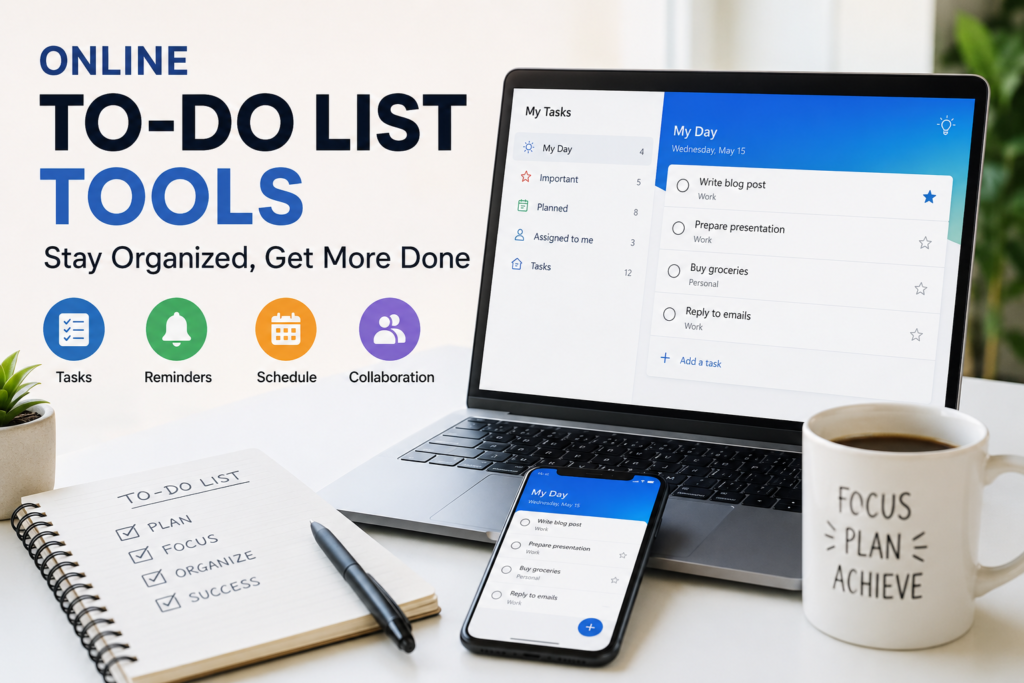
The daily planning feature called My Day is something I use regularly. Every morning, I choose the tasks I want to complete instead of looking at a huge list that makes me feel stressed.
Another advantage is its integration with Microsoft services. If you already use Outlook, the experience becomes even smoother.
Todoist
Whenever someone asks me for a powerful productivity app, Todoist is usually one of my first recommendations.
The interface is modern, fast, and easy to understand. At the same time, it offers advanced features that are useful for professionals.
I especially like the natural language input. Instead of manually selecting dates, I can type something like “Submit article tomorrow at 5 PM” and the app automatically understands the deadline.
Todoist also includes productivity reports that allow me to see how consistent I have been over time. This keeps me motivated to maintain my daily habits.
Google Tasks
Sometimes simplicity is exactly what I need. That is why I also appreciate Google Tasks.
It does not try to become a complete project management system. Instead, it focuses on helping users manage everyday tasks without distractions.
Since I already use Gmail and Google Calendar, having Google Tasks integrated into the same ecosystem saves me time.
Whenever I receive an important email, I can instantly convert it into a task so I do not forget to respond later.
TickTick
TickTick impressed me because it combines several productivity features in one application.
Besides creating tasks, I can also manage habits, use a built in timer, organize calendars, and set recurring reminders.
I find the habit tracking feature especially useful because productivity is not only about completing work. It is also about building routines that improve life over time.
The calendar view gives me a complete picture of my schedule, making it easier to balance multiple responsibilities.
Any.do
Another application I enjoyed using is Any.do.
The design feels polished and modern while remaining easy for beginners.
One feature I personally appreciate is the daily planning process. Every morning, the app encourages me to review unfinished tasks and decide what deserves my attention today.
This small routine has helped me stay more focused instead of randomly jumping between different activities.
Many people underestimate how powerful daily planning can be until they make it part of their routine.
Benefits I Have Personally Experienced
Using online to do list tools has improved my productivity in several ways.
The biggest benefit is mental clarity. Since everything is written down, I no longer waste energy trying to remember every little responsibility.
I also procrastinate less because large projects become easier when I divide them into smaller tasks.
Another improvement is better time management. Seeing my schedule clearly allows me to prioritize important work before less important activities.
These tools have also reduced stress. Whenever I feel overwhelmed, I simply review my task list and focus on completing one item at a time instead of worrying about everything at once.
Notion
Notion is much more than a simple to do list application. It combines note taking, task management, databases, and project planning into one platform. At first, I thought it looked a little complicated, but after spending some time with it, I understood why so many people love it.
I use Notion whenever I have larger projects that require planning. Instead of creating a simple checklist, I can organize research, attach files, write notes, and track my progress in one workspace. This makes it an excellent option for content creators, students, and business owners who need more than a basic task manager.
Trello
Trello is another tool that deserves attention. Unlike traditional task lists, it uses boards and cards to organize work visually. I find this approach very useful when working on projects with multiple stages.
For example, I can create columns named To Do, In Progress, and Completed. As I finish each task, I simply move it to the next column. Watching the completed column grow gives me a sense of achievement and keeps me motivated.
Trello is also excellent for teamwork because everyone can see project updates in real time.
How I Choose the Right To Do List Tool
With so many options available, choosing the right one can feel confusing. My advice is to focus on your own needs instead of selecting the app with the longest feature list.
If you only need a place to write daily tasks, a simple application like Google Tasks or Microsoft To Do may be enough.
If you work on multiple projects with clients or team members, Todoist, Trello, or Notion may provide better organization.
I also recommend testing a few different tools before making a final decision. Most of them offer free plans, so you can explore their features without spending money.
Tips for Using To Do List Tools Effectively
Having a great app does not automatically make someone productive. The way you use it matters much more.
I always start my day by reviewing my task list. This helps me understand what needs immediate attention.
I also avoid creating extremely long lists. When I see fifty unfinished tasks, I feel overwhelmed. Instead, I focus on a few important priorities that I can realistically complete.
Breaking large projects into smaller tasks is another habit that has helped me. Completing small steps keeps me motivated because I can clearly see my progress.
I also review my completed tasks at the end of each week. Looking back reminds me how much I have accomplished and helps me plan for the following week.
Common Mistakes People Make
One mistake I often see is adding every possible idea to a task list without organizing anything. Eventually the list becomes so large that it feels impossible to manage.
Another common mistake is ignoring reminders. Notifications only help if we actually pay attention to them.
Some people also spend too much time customizing their productivity system instead of completing actual work. While it is nice to have organized lists and colorful labels, the main goal is getting things done.
I have learned that a simple system used consistently is far more effective than a complicated system that I stop using after a few weeks.
Free Versus Paid Tools
Many online to do list tools offer free versions, and for most people they are more than enough. I personally started with free plans before deciding whether I needed premium features.
Paid plans usually include advanced collaboration, larger file storage, detailed reporting, custom reminders, and additional integrations.
If you are managing personal tasks, I believe the free versions of most apps will serve you well. Businesses and larger teams may benefit from investing in premium plans because of the extra collaboration features.
My Final Thoughts
Online to do list tools have become an important part of my daily routine. They help me stay organized, reduce stress, manage deadlines, and focus on what truly matters. Instead of trying to remember everything, I let technology handle the organization while I concentrate on completing meaningful work.
There is no single tool that works perfectly for everyone. The best choice depends on your goals, work style, and personal preferences. Some people prefer a simple checklist, while others need advanced project management features. The good news is that there are plenty of excellent options available, many of which are free to use.
If you have never used an online to do list tool before, I highly recommend giving one a try. Start with a simple app, build the habit of updating it every day, and stay consistent. Over time, you will likely notice that you become more organized, more productive, and much less stressed.
In my experience, productivity is not about working longer hours. It is about working smarter. A reliable online to do list tool can become your personal assistant, helping you stay focused on your priorities while keeping everything organized in one place. Once I made it part of my daily routine, I found it difficult to imagine managing my work without it, and I believe many people will have the same experience after giving these tools a fair chance.