Related Articles



A favicon may look like a very small part of a website, but I believe it has a bigger role than many beginners realize. Whenever I open a website, the small icon that appears in the browser tab helps me recognize that website quickly. It also makes the website look more complete and professional.
If you are building a blog, business website, portfolio, online store, or personal project, creating a favicon should be part of your basic website setup. The good thing is that you do not need advanced graphic design skills or expensive software. There are many online favicon generator tools that can create a favicon within a few minutes.
In this article, I will discuss some of the best online favicon generator tools, what makes them useful, and how you can choose the right favicon generator for your website.
What Is a Favicon?
A favicon is a small icon associated with a website or web page. You normally see it beside the website name in your browser tab. It can also appear in bookmarks, browser history, and other areas depending on the browser and device.
For example, if you have a website called My Digital Tools, you might create a simple icon using the first letter of your brand name. That small image can then become your website favicon.
I personally think a good favicon should be simple because it is displayed at a very small size. A complicated image may look attractive when it is large, but important details can disappear when the image is reduced.
Why Do Websites Need a Favicon?
There are several reasons why I recommend adding a favicon to every website.
First, it gives your website a more professional appearance. A website without a favicon can sometimes look unfinished, especially when compared with websites that have their own branded icons.
Second, a favicon helps visitors identify your website when they have several browser tabs open. Instead of reading every website title, they can often recognize your website from its small icon.
Third, a favicon can support your branding. If you use the same colors, logo style, or letter throughout your website, your favicon can become another small part of your overall visual identity.
Finally, creating one is extremely easy with an online favicon generator. You normally only need an image, logo, or simple design to get started.
Best Online Favicon Generator Tools
1. Favicon Generator
Favicon Generator is a useful option for people who want to create a favicon without installing software. The basic process is straightforward. You upload an image and the tool generates favicon files that can be used on a website.
I find this type of tool useful for beginners because the process does not require much technical knowledge. If you already have a logo, you can use a suitable version of that logo as the starting image.
Before downloading the favicon, I recommend checking whether the original image is clear enough. A low quality image may produce a favicon that looks blurry.
2. Favicon.io
Favicon.io is another popular online favicon generator that I would consider when creating a simple website icon. One useful feature is that you can create favicons from different types of sources.
Depending on the available options, you can start with text, an image, or an emoji style design. This makes the tool interesting for people who do not already have a professional logo.
For a small blog or personal website, a simple letter based favicon can work surprisingly well. You can choose a letter that represents your website name and create a clean icon around it.
3. RealFaviconGenerator
RealFaviconGenerator is useful when you want to create favicon files for different platforms and devices. Modern websites may need more than one icon format because favicons can be used in different environments.
What I like about this approach is that it focuses on compatibility. Instead of simply creating one small image, the generator can help prepare the necessary favicon resources for different situations.
This can be particularly helpful for developers and website owners who want more control over how their website icon appears across browsers and devices.
4. Canva
Canva is mainly known as an online graphic design platform, but it can also be useful for creating a favicon design.
I would consider Canva when I want to design the icon itself rather than simply convert an existing image into favicon format. You can create a square design, add text, shapes, symbols, or your brand elements, and then export the image.
The most important thing is to keep the design simple. Remember that your favicon will become very small. A design with too many elements may not remain clear after resizing.
5. Favicon Generator by Image Conversion Tools
Some online image conversion websites also provide favicon generation features. These tools are helpful when you already have a PNG, JPG, or another image and simply need to convert it into a favicon compatible format.
For beginners, this can be one of the easiest solutions. You upload the image, select the required format or size, and download the result.
However, I always recommend checking the privacy policy of an online tool before uploading sensitive images. Your website logo is usually not sensitive, but it is still good practice to understand how an online service handles uploaded files.
What Should You Look for in a Favicon Generator?
Not every favicon generator works exactly the same way. When I choose an online tool, I normally look at a few important features.
Easy Interface
The first thing I look for is simplicity. A good favicon generator should not make the user complete unnecessary steps.
If I can upload an image, select the required settings, generate the favicon, and download it without confusion, I consider that a useful tool for beginners.
Image Quality
Image quality is also important. Since a favicon is very small, even minor quality problems can become noticeable.
I recommend starting with a high resolution square image whenever possible. A clean logo or simple graphic usually produces better results than a complicated photograph.
Multiple Sizes
A useful favicon generator may provide different sizes for different requirements. This can save time because you do not have to manually resize the same image using separate software.
Before downloading, check which sizes and formats the tool provides.
Different File Formats
The traditional favicon format is ICO, but websites may also use PNG and other image formats depending on the implementation.
If you are working on a modern website, having access to several formats can make the process easier.
Browser Compatibility
A favicon should display properly in commonly used browsers. A generator that prepares the appropriate files and HTML information can make implementation easier.
If you are not technically experienced, look for a tool that explains how to add the generated favicon to your website.
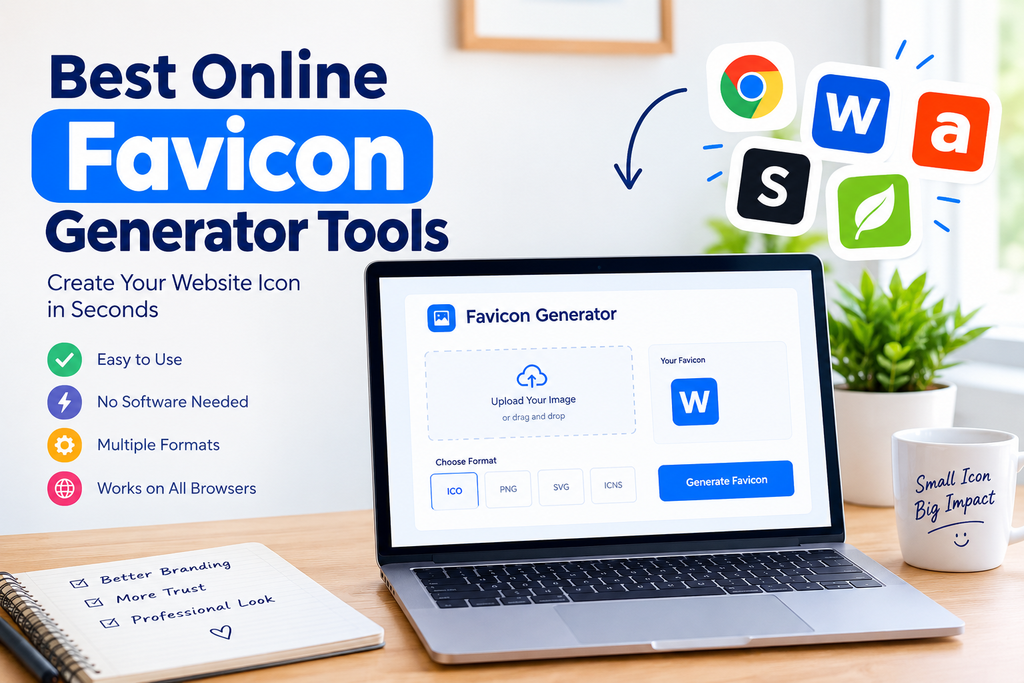
How to Create a Favicon Online
Creating a favicon is usually a simple process.
First, choose an image that represents your website. This could be your logo, a letter, a symbol, or another simple graphic.
Second, open your preferred online favicon generator.
Third, upload your image to the generator. Some tools may also allow you to create a favicon directly from text or another source.
Fourth, select the available size and format options. If you are unsure, use the standard settings recommended by the tool.
Fifth, generate the favicon and download the resulting files.
Finally, upload the favicon to your website and add it using your website platform or HTML code.
If you use WordPress, the process can be even easier. Many WordPress themes allow you to add a site icon through the WordPress customization or site identity settings.
Tips for Creating a Better Favicon
In my experience, simple designs usually work better than complicated ones.
Try using one main symbol or letter instead of filling the entire icon with small details. Strong contrast can also help your favicon remain visible at a small size.
I would also avoid using long words. A favicon is too small for visitors to read a complete website name.
If your website already has a logo, consider creating a simplified version of it specifically for the favicon. The favicon does not have to be an exact miniature copy of your full logo.
It is also useful to test the favicon on both light and dark browser interfaces if possible. An icon that looks good on one background may become difficult to see on another.
Online Favicon Generator vs Design Software
You may wonder whether you should use an online favicon generator or professional design software.
For most beginners, an online favicon generator is much easier. There is no installation process, and you do not need to learn complicated design tools.
Professional design software provides more control, but that extra control may not be necessary for a simple website favicon.
For a small blog or new website, I would personally start with an online tool. If the website grows and you need a more advanced brand identity, you can always create a custom favicon later.
Are Free Favicon Generators Good Enough?
Yes, free favicon generators can be perfectly suitable for many websites.
If you only need a basic favicon for a blog, portfolio, personal website, or small business website, you probably do not need expensive software.
The important thing is not whether the tool is free or paid. What matters is the quality of the final icon, the available formats, ease of use, and how well the favicon works on your website.
I recommend checking the final result before publishing it. Open your website in a browser, look at the tab, and see whether the icon is clear and recognizable.
Common Favicon Mistakes to Avoid
One common mistake is using a very complicated image. Small icons cannot display too much detail effectively.
Another mistake is using an image that is not square. A favicon generally works best when the original design is created in a square format.
Using tiny text is another problem. Visitors may not be able to read it when the favicon is displayed at a small size.
I also recommend avoiding excessive colors. A simple color combination can make your icon easier to recognize.
Finally, do not forget to test your favicon after adding it to your website. Sometimes the browser may continue showing an older version because of caching. Clearing the cache or opening the website in another browser can help you check the updated icon.
Final Thoughts
A favicon is a small design element, but it can make a website feel more complete and recognizable. The good news is that creating one does not require professional graphic design experience.
The best online favicon generator tools make the process simple by allowing you to upload an image, create a design, generate the required files, and download them for your website.
From my point of view, the best approach is to start with a clean and simple design that represents your website. If you already have a logo, create a simplified favicon version of it. If you do not have a logo, a single letter, symbol, or simple shape can work well.
Before choosing a favicon generator, consider its ease of use, image quality, available sizes, file formats, and compatibility options. Most importantly, preview your final favicon at a small size because that is how your visitors will normally see it.
Whether you are building a WordPress blog, business website, portfolio, or online store, adding a favicon is a small step that can give your website a more polished appearance. With the right online favicon generator, you can create one in just a few minutes without installing complicated software.