Related Articles
When I work on a website, I always look for simple tools that can save time and make online tasks easier. One tool that I find especially useful is a URL shortener. Long website links can look messy, especially when I want to share them on social media, messaging apps, emails, or printed materials. This is where free URL shortener tools for websites become useful.
A URL shortener takes a long web address and creates a shorter version that redirects visitors to the original page. Instead of sharing a long and complicated URL, I can share a short link that is easier to remember, copy, and use.
In this article, I will explain what a URL shortener is, why I use URL shortening tools, how they work, and what features I look for when choosing a free URL shortener for a website.
What Is a URL Shortener?
A URL shortener is an online tool that converts a long website address into a shorter link. For example, a page might have a URL containing many words, numbers, symbols, and tracking information. A URL shortener creates a much smaller link that sends users to the same destination.
I find this especially helpful when a website has long URLs for blog posts, product pages, landing pages, or special campaigns. A short URL looks cleaner and is much easier to share.
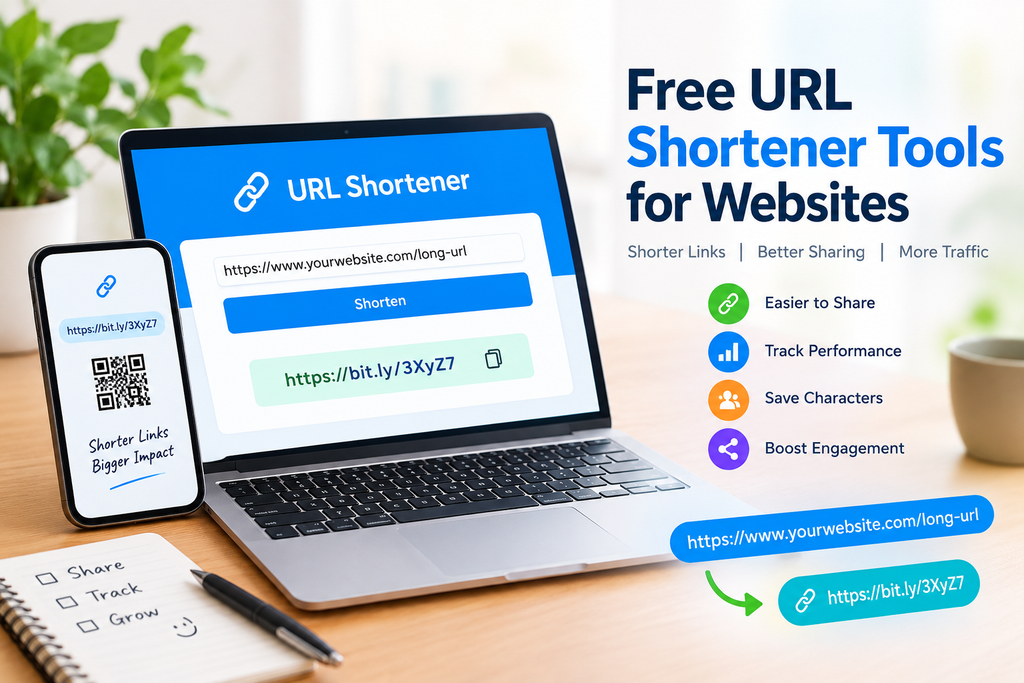
Most URL shortening services work through a simple process. I enter the original URL into the tool, click the shorten button, and receive a new short link. When someone opens that link, the service redirects the visitor to the original website page.
Why Should I Use a URL Shortener?
There are several reasons why I use URL shortener tools for websites. The biggest advantage is convenience. A short link is easier to share than a long web address.
Short links can also be useful on social media platforms where space may be limited. They can make posts look cleaner and reduce the visual clutter caused by long URLs.
Another advantage is tracking. Some URL shortener services provide information about link clicks, locations, devices, and referral sources. This can help website owners understand how people interact with their shared links.
I also find short URLs useful for offline marketing. If I place a website address on a poster, flyer, presentation, business card, or advertisement, a shorter link is easier for people to type manually.
Best Free URL Shortener Tools for Websites
There are many URL shortening services available online. Some offer basic shortening for free, while others provide additional features such as analytics, custom links, QR codes, and branded domains.
Bitly
Bitly is one of the well known URL shortening platforms. I consider it useful for people who want a simple way to create and manage short links.
The platform can also provide link analytics depending on the account and plan. This can be useful when I want to understand how many people are clicking a shared link.
For basic website owners and content creators, a free option can be a convenient starting point.
TinyURL
TinyURL is another popular option for creating short links. One thing I like about simple URL shortening services is that they do not require complicated technical knowledge.
I can paste my long URL into the tool and generate a shorter version quickly. TinyURL can be useful when I need a short link for a social media post, email, document, or message.
Short.io
Short.io focuses on link shortening and branded links. It can be useful for businesses and website owners who want more control over their short URLs.
One feature that interests me is the ability to work with branded domains. A branded short link can make a business link look more connected to the website or company.
Rebrandly
Rebrandly is designed around branded links and link management. I find this type of service interesting for businesses that regularly share website links.
Instead of using a generic short domain, businesses can use their own branding where the available plan supports it. This can make links more recognizable to customers.
is.gd
For people who simply need a quick and straightforward short URL, is.gd can be another option. Its simple approach makes it suitable for basic link shortening.
I would consider a basic service like this when I only need to convert a long URL into a shorter one without requiring advanced marketing features.
How Do Free URL Shortener Tools Work?
The process is usually very simple. First, I copy the full URL of the webpage that I want to share. Then I open a URL shortening service and paste the link into the provided field.
After clicking the appropriate button, the service generates a new short URL. I can then copy that URL and share it wherever I need.
When someone clicks the shortened URL, the service recognizes the short code and redirects the visitor to the original webpage.
This process happens very quickly, so most visitors do not need to know anything about the technical process happening in the background.
Benefits of Using Short URLs
One of the main benefits of short URLs is that they are easier to share. A shorter link is more convenient in social media posts, emails, text messages, and online communities.
Another benefit is improved appearance. A very long URL can make a post look complicated. A short URL usually looks cleaner and more professional.
Short URLs can also make printed materials easier to use. If I want someone to type a website address from a poster or brochure, a short link is much more practical.
Some URL shortening services also provide analytics. These analytics can help me understand how many people clicked the link and where the traffic came from.
URL Shorteners and Website Marketing
URL shorteners can be useful in digital marketing when they are used carefully. For example, I might create different short links for different promotional channels.
One link could be used in a social media post, another in an email newsletter, and another in printed advertising. If the shortening service provides suitable analytics, I may be able to compare the traffic generated by those links.
This gives website owners a better understanding of their promotional activities.
However, I would not use URL shortening simply for every internal link on my website. Normal website URLs are often better for search engine visibility and transparency.
Are Short URLs Good for SEO?
A common question is whether URL shorteners directly improve search engine rankings. In my view, they should not be treated as an SEO ranking trick.
Search engines need to understand the actual destination of a link. A shortened URL is primarily a sharing and tracking tool.
For my website pages, I prefer keeping clear and descriptive permanent URLs whenever possible. I use shortened links mainly for campaigns, social sharing, advertisements, printed materials, and situations where a compact link is more convenient.
This approach keeps my website structure organized while still allowing me to benefit from short links when needed.
Things to Check Before Choosing a Free URL Shortener
Before choosing a URL shortener, I recommend checking a few important features.
First, I look at reliability. The service should consistently redirect visitors to the correct destination.
Second, I check whether the free plan has reasonable limits. Some services may limit the number of links, clicks, or analytics features available to free users.
Third, I look for security features. A trustworthy service should take measures to prevent harmful or suspicious links from being used through its platform.
Analytics can also be important if I am using short URLs for marketing. If tracking is important to me, I check exactly what information the free plan provides.
I also consider whether the service allows custom links. A memorable short link can be easier for visitors to recognize and remember.
Are URL Shorteners Safe?
URL shorteners are generally useful, but I still recommend being careful when clicking unfamiliar shortened links.
Because a shortened URL hides the original destination, it may not always be obvious where the link will take me. For this reason, I avoid clicking suspicious links from unknown sources.
As a website owner, I would also choose a reputable URL shortening service and use it responsibly. I would never use a short link to disguise an unsafe or misleading destination.
Free URL Shortener Tools for Beginners
For beginners, I recommend starting with a simple service that does not make the process complicated. The most important thing is being able to create a short link quickly and reliably.
Once I understand the basics, I can explore additional features such as analytics, custom URLs, branded domains, QR codes, and campaign tracking.
There is no need to use advanced features if I only want a shorter link for occasional sharing.
Final Thoughts
Free URL shortener tools for websites can make online sharing much easier. They turn long and complicated web addresses into shorter links that are easier to copy, remember, share, and print.
From my experience with website tools, I think the best approach is to choose a URL shortener based on what I actually need. If I only want simple link shortening, a basic free service may be enough. If I manage marketing campaigns, I may need analytics, custom links, and branded features.
I also believe that short URLs should complement a website rather than replace good website structure. For permanent website pages, I prefer clear and descriptive URLs. For social media, marketing campaigns, emails, printed materials, and other sharing situations, a short URL can be much more convenient.
Before using any free URL shortener tool, I would check its limits, security features, analytics options, and reliability. With the right tool, shortening URLs can become a quick and useful part of managing a website and sharing content online.
Whether I run a personal blog, small business website, online store, or content platform, a reliable URL shortener can help make my links easier to manage and share.