Related Articles
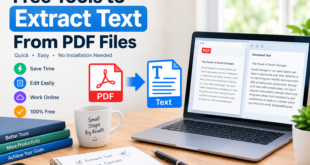
PDF files are one of the most common ways to share documents online. I use PDF files for study notes, reports, forms, ebooks, invoices, presentations, and many other types of documents. The problem starts when I only need a few pages from a large PDF file. Sending the complete document can be inconvenient, especially when the file contains dozens or hundreds of pages.
This is where free tools to extract pages from PDF become useful. These tools allow me to select the pages I need and create a new PDF without changing the original document. Most online PDF page extractors are simple to use and do not require advanced technical knowledge.
In this article, I will explain how to extract pages from PDF files, what features to look for, and how free PDF extraction tools can make document management easier.
What Does Extracting Pages From a PDF Mean?
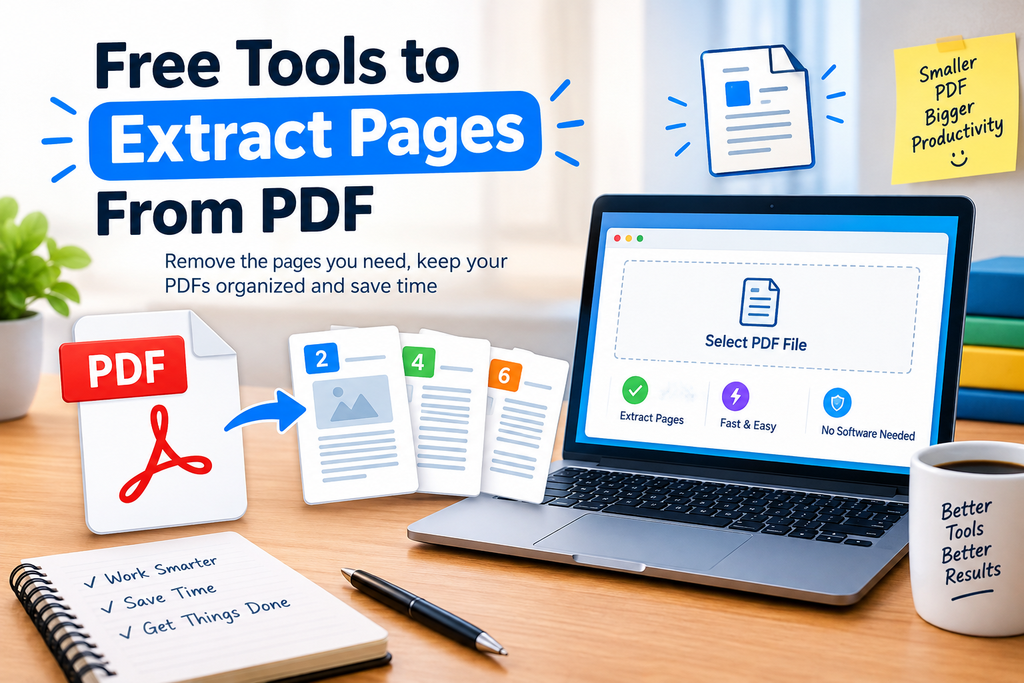
Extracting pages from a PDF means selecting specific pages from an existing PDF document and saving them as a separate PDF file.
For example, suppose I have a 50 page study guide, but I only need pages 10 through 15. Instead of sending the entire 50 page document, I can use a PDF page extraction tool to select pages 10 to 15 and create a new six page PDF.
The original PDF normally remains unchanged. This makes the process convenient when I want to create smaller documents from larger files.
Why Use Free PDF Page Extraction Tools?
There are several reasons why I find PDF page extraction tools useful. The biggest advantage is convenience. I do not need to manually copy text or recreate a document.
A PDF extractor can also help reduce the size of a document. If a large PDF contains information that I do not need to share, extracting only the relevant pages can make the new file easier to send and upload.
Students can use these tools to separate important chapters from textbooks or lecture notes. Teachers can extract selected pages from educational materials. Office workers can create smaller reports from larger documents.
Another advantage is that many free PDF tools work directly in a web browser. This means I can often extract pages without installing additional software.
Best Features to Look For
When choosing a free tool to extract pages from PDF, I recommend checking a few important features.
Simple Interface
A good PDF extractor should be easy to understand. I prefer tools where I can upload a PDF, see page previews, select the required pages, and download the new document without complicated settings.
Multiple Page Selection
The ability to select individual pages is important. A useful tool should allow me to select one page, several pages, or a continuous range of pages.
Page Preview
Page previews make the process much safer. Instead of guessing page numbers, I can visually check the document and select the correct pages.
Free Processing
If I only need basic PDF extraction, a free tool can often be enough. However, I always check whether the tool has limitations such as file size restrictions or daily usage limits.
Privacy and Security
PDF documents can sometimes contain personal, academic, financial, or business information. Before uploading a sensitive document to an online service, I check its privacy information and understand how uploaded files are handled.
Good Download Quality
The extracted PDF should maintain the original page quality. Text, images, and formatting should remain readable after extraction.
How to Extract Pages From a PDF Online
The general process is quite simple. Although the exact buttons can differ between websites, most free PDF page extraction tools follow similar steps.
First, I open a PDF page extraction tool in my browser.
Next, I upload the PDF file that contains the pages I want to extract. Some tools allow me to drag and drop the file directly into the browser window.
After uploading the document, the tool usually displays thumbnails or a list of the PDF pages.
I then select the pages I need. For example, I might choose pages 3, 5, 8, and 10, or select a continuous range such as pages 12 through 20.
After checking my selection, I choose the option to extract or create a new PDF.
Finally, I download the newly created PDF and open it to make sure the correct pages were included.
This process usually takes only a few minutes.
Free Online PDF Extractors
There are many online services that provide PDF management features. Some offer page extraction as part of a larger collection of PDF tools.
When I compare different options, I focus less on having the largest number of features and more on whether the basic extraction process is reliable and easy to understand.
Some services provide additional features such as PDF merging, splitting, compression, conversion, rotation, and page reordering. These can be useful if I regularly work with PDF documents.
However, if my only goal is to extract a few pages, I prefer a tool with a straightforward page selection process.
Extracting Specific Pages From a PDF
Sometimes I do not need a complete section. I may only need a few individual pages.
For example, imagine a PDF contains 100 pages and I only need pages 7, 18, 24, and 42. A good PDF extractor should allow me to select these pages individually.
This feature is especially useful for students and researchers. Instead of sharing an entire document, I can create a smaller PDF containing only the pages related to my topic.
Before downloading the final file, I recommend checking the page thumbnails carefully. This small step can prevent mistakes.
Extracting a Range of Pages
Another common requirement is extracting a continuous range.
For example, I might need pages 25 through 35 from a large report. Rather than selecting every page individually, I can usually enter or select the page range.
This saves time and makes the process easier when working with long documents.
It is still a good idea to review the first and last selected pages before creating the new PDF.
Can I Extract Pages Without Installing Software?
Yes. Many web based PDF tools allow users to extract pages directly through a browser.
This can be helpful when I am using a shared computer or a device where I do not want to install additional applications.
The online approach is also convenient because I can usually access the tool from different operating systems, including Windows, macOS, and other platforms with a modern browser.
For sensitive documents, however, I consider whether an offline PDF application would be more appropriate.
Extracting Pages From PDFs on a Computer
If I work with PDFs regularly, desktop PDF software can provide more control.
Some PDF applications allow me to organize pages, delete unwanted pages, rotate documents, merge files, and create new PDFs. Depending on the software, some features may be free while others may require payment.
For occasional tasks, I usually find an online PDF extractor more convenient. For regular document management, dedicated PDF software may be worth considering.
Extracting Pages From a PDF on a Phone
PDF extraction can also be useful on smartphones and tablets.
If I receive a large PDF through email or messaging and only need a few pages, a mobile PDF application or browser based tool may help me create a smaller document.
The main thing I check on mobile is whether the page selection interface is easy to use. Selecting individual pages on a small screen can sometimes be less convenient than doing it on a computer.
Common Mistakes to Avoid
There are a few mistakes I try to avoid when extracting PDF pages.
The first is selecting the wrong page numbers. PDF viewers can sometimes display a printed page number that differs from the actual PDF page number. I always check the page preview when available.
The second mistake is forgetting to review the extracted file. After creating the new PDF, I open it and confirm that all required pages are present.
Another mistake is uploading confidential documents without checking the service’s privacy information. For sensitive files, I consider using trusted software that processes documents locally.
I also avoid downloading unnecessary programs from unfamiliar websites. A simple browser based tool from a reputable provider is often enough for basic PDF extraction.
How PDF Page Extraction Helps Students
Students can benefit significantly from free PDF page extraction tools.
Suppose I download a large course book containing several chapters. If I only need one chapter for an assignment, I can extract the relevant pages and keep them in a separate file.
This can make study materials easier to organize. I can create separate PDFs for different subjects, chapters, or projects.
Teachers can also use page extraction when preparing selected reading materials for students.
How Businesses Can Use PDF Extraction
Businesses often deal with long documents such as reports, contracts, proposals, invoices, and presentations.
Instead of sending an entire document to a colleague, an employee can extract the relevant pages and share only the necessary information.
This can improve document organization and reduce unnecessary file sizes.
However, business users should be especially careful with confidential information. Before using an online PDF tool, the organization’s privacy and security requirements should be considered.
Are Free PDF Extractors Safe?
The answer depends on the specific service.
Not every free PDF tool follows the same privacy practices. Before uploading a document, I recommend checking the website’s privacy policy, file handling information, and security features.
For ordinary non sensitive documents, an established online tool may be convenient. For confidential documents, I prefer an offline solution when possible.
I also make sure I download the file from the official website rather than an unknown third party source.
Final Thoughts
Free tools to extract pages from PDF can save a lot of time when I only need selected information from a large document. Instead of working with an entire PDF, I can choose the pages I need and create a smaller, more focused file.
The best PDF page extraction tool for me is one that has a simple interface, clear page previews, flexible page selection, reliable output, and reasonable privacy practices.
Whether I am a student separating useful study material, a professional preparing a report, or simply trying to organize personal documents, PDF page extraction is a practical skill worth knowing.
Before using any online PDF service, I always recommend checking its features and privacy practices. For normal documents, free online tools can be extremely convenient. For confidential information, an offline PDF application may provide a better option.
Overall, extracting pages from a PDF is a simple task, and with the right free tool, it can be completed quickly without complicated software or advanced technical knowledge.